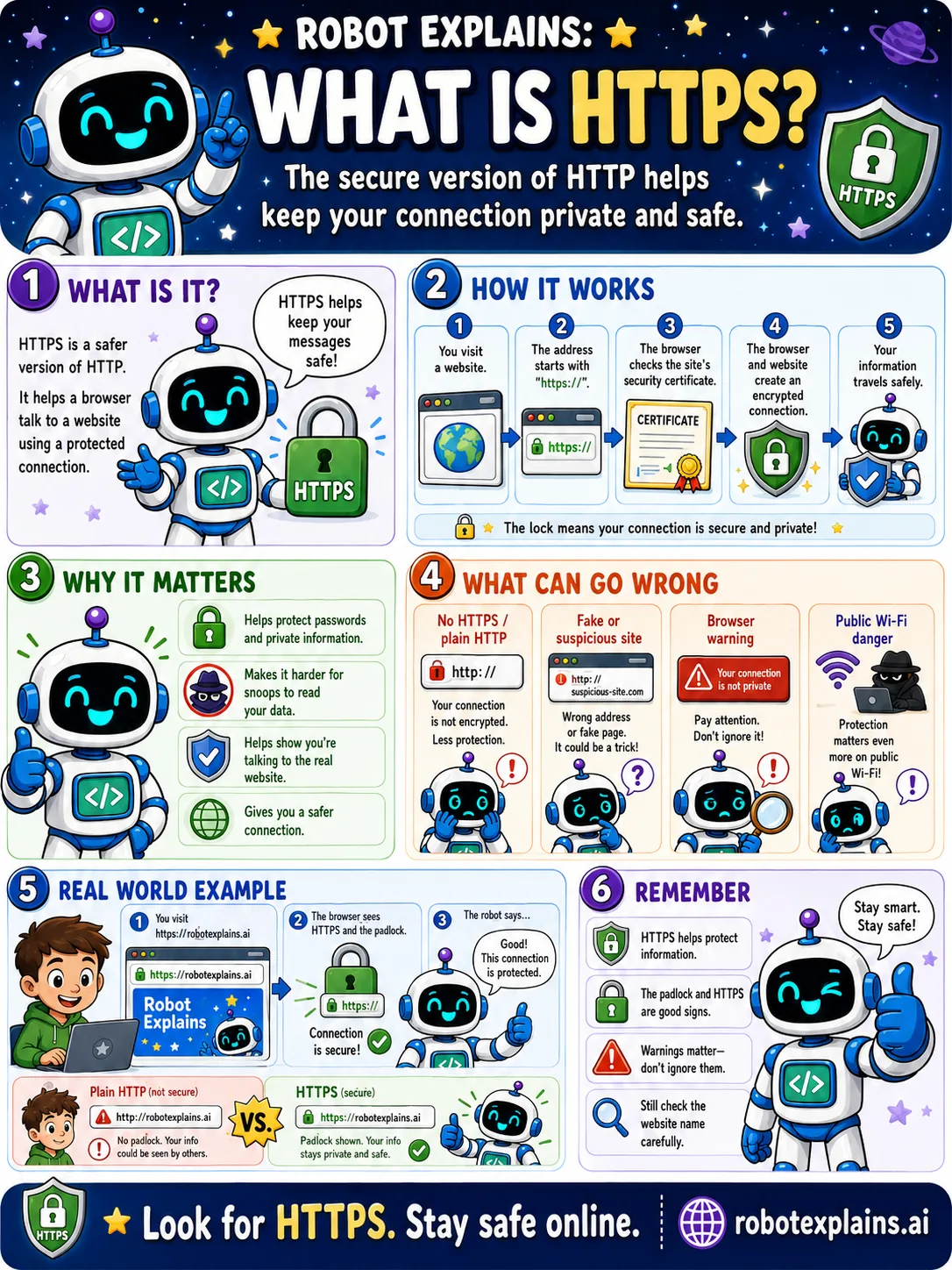
HTTPS is the safer version of HTTP, the language your browser and a website use to talk.
The extra s stands for secure. It means your messages travel through a locked, private tunnel, so snoopers cannot read them.
Here is how it works. You visit a website, the browser checks the site's security certificate, the two create an encrypted connection, and from then on your information travels safely.
That is why HTTPS matters: it protects passwords and private info, makes it harder for snoops to read your data, and helps you know you are talking to the real website.
Watch out for the opposite. A plain "http" with no s is not encrypted. Fake or lookalike sites, browser warnings, and public Wi-Fi all deserve extra care.
The simple habit: look for HTTPS and the padlock, and still check the website name carefully.
What to remember
- HTTPS is the secure, private version of HTTP.
- The padlock and https mean your connection is protected.
- It keeps snoops from reading what you send.
- Warnings matter, and still check the website name.
Words to know
- HTTPS
- HTTP with encryption, so the connection is private.
- Encryption
- Scrambling data so only the right side can read it.
- Certificate
- Proof that a website is who it says it is.
- Padlock
- The lock icon that shows a protected connection.
For grown-ups
HTTPS is HTTP carried over TLS: the browser validates the server's certificate, negotiates keys, and encrypts the session, protecting confidentiality and integrity. Note it secures the connection and verifies the domain, but does not vouch for the site's honesty, so pair it with checking the actual domain name.
Want the full story? These go deeper: