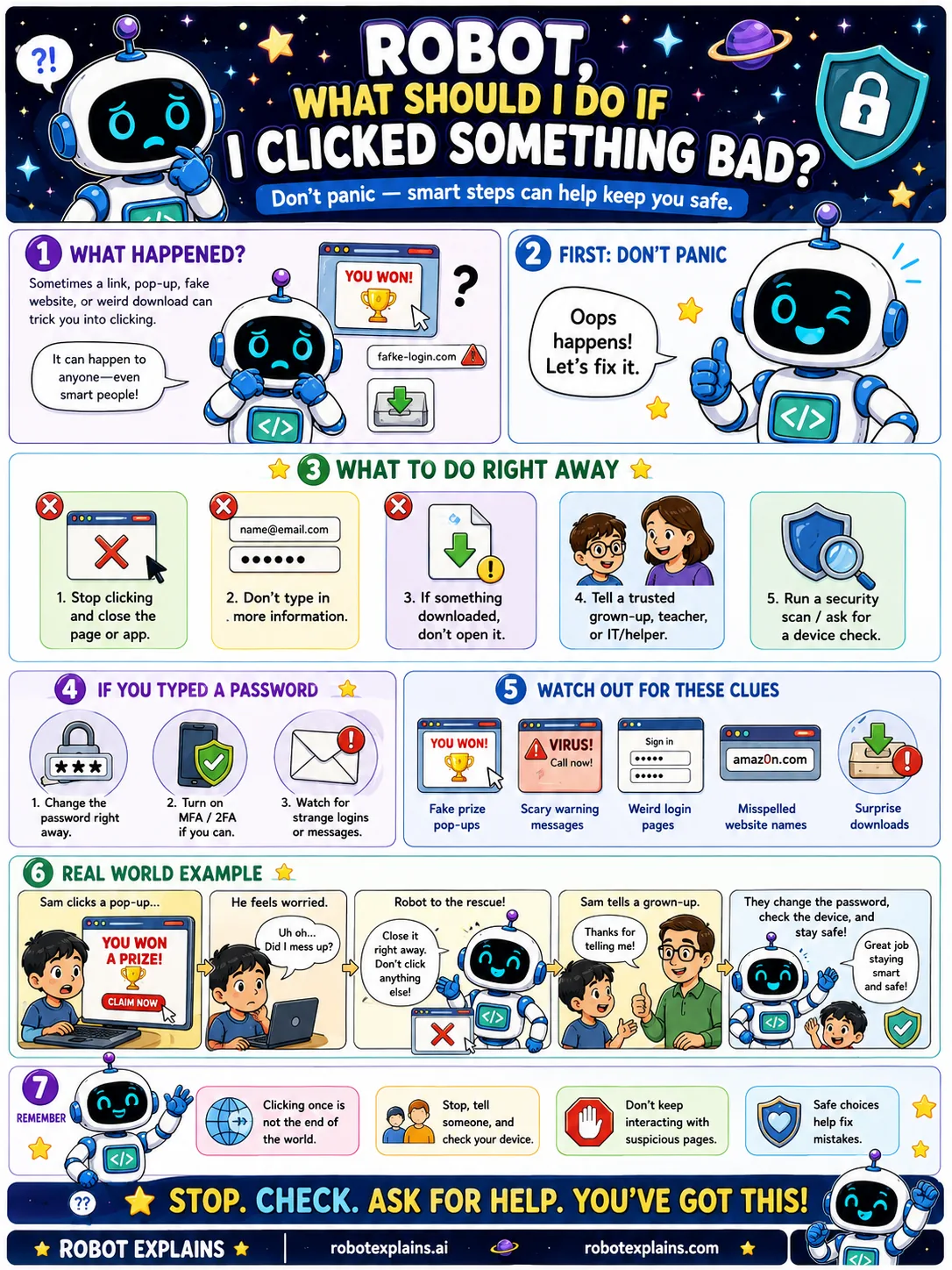
Sometimes you click a link, a pop-up, a fake website, or a download that turns out to be bad. It happens to anyone, even smart people.
First: don't panic. Oops happens, and you can fix it.
Here is what to do right away. Stop clicking and close the page or app. Don't type in any more information. If something downloaded, don't open it. Tell a trusted grown-up, teacher, or IT helper. And run a security scan on the device.
If you typed a password, change that password right away, turn on MFA, and watch for strange logins or messages.
Watch out for the clues that tricked you: fake prize pop-ups, scary warning messages, weird login pages, misspelled website names, and surprise downloads.
Remember: clicking once is not the end of the world. Stop, tell someone, and ask for help, and don't keep interacting with the suspicious thing. Safe choices help fix mistakes. Stop. Check. Ask for help.
What to remember
- Clicking once is not the end of the world.
- Stop, close it, and don't type any more info.
- Tell a trusted grown-up right away.
- If you typed a password, change it and turn on MFA.
Words to know
- Pop-up
- A window that jumps up, sometimes fake or tricky.
- Security scan
- A check that looks for malware on a device.
- Suspicious
- Something that seems off or unsafe.
- Trusted grown-up
- A safe adult who can help you fix it.
For grown-ups
If a user interacts with a malicious link or download: stop and disconnect, avoid entering more data, don't open downloads, tell a trusted adult or IT, and run a malware scan. If credentials were entered, change that password immediately, enable MFA, and watch for unusual logins. Calm, quick action limits the damage.
Want the full story? These go deeper: