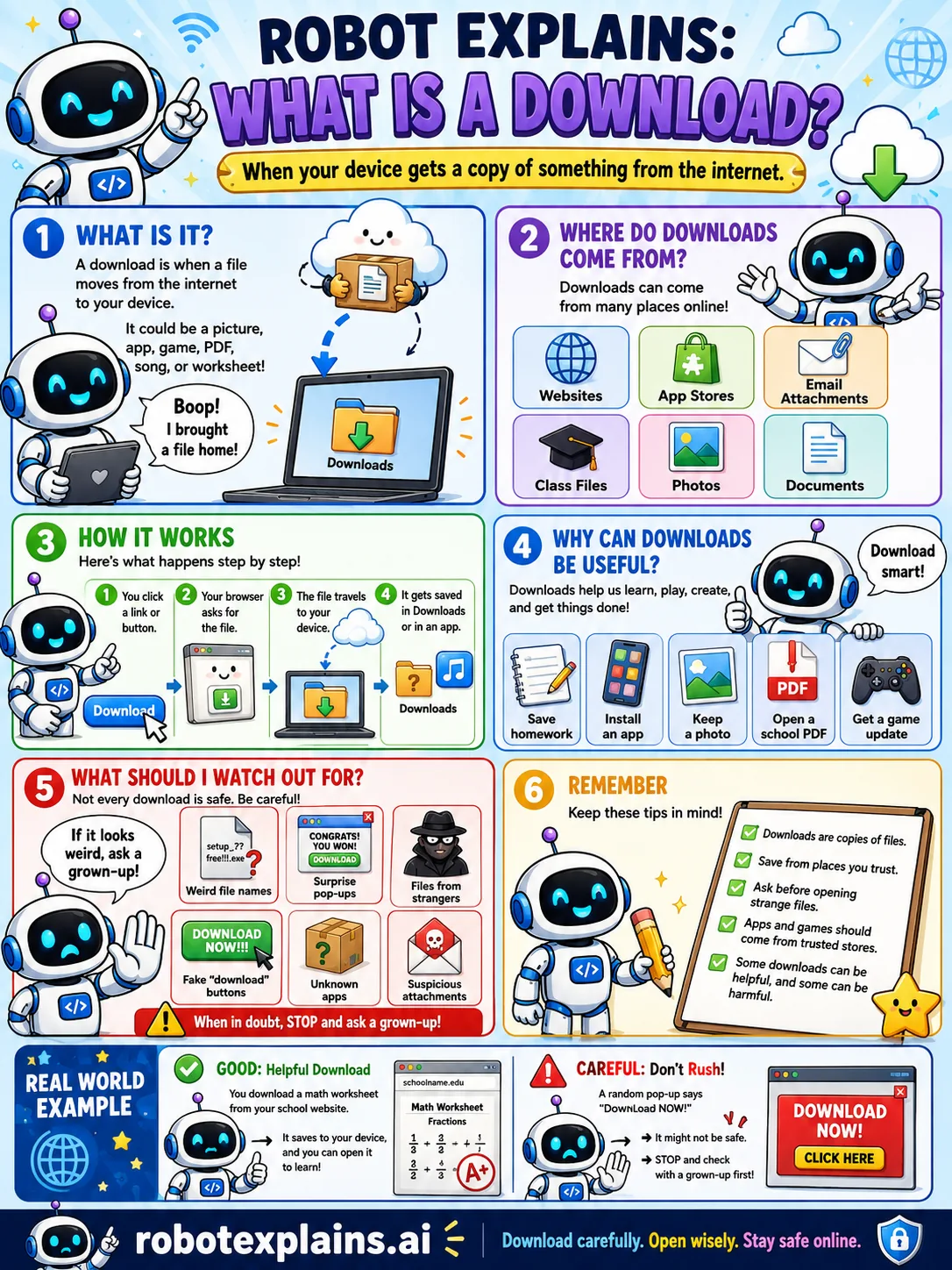
A download is when a file moves from the internet onto your device. It could be a picture, a game, an app, a PDF, a song, or a worksheet.
Downloads come from lots of places: websites, app stores, email attachments, class files, photos, and documents.
Here is the idea, step by step. You click a link or button, your browser asks for the file, the file travels to your device, and it gets saved, usually in a folder called Downloads.
Downloads are super useful. They let you learn, play, create, and get things done.
But not every download is safe. Be careful with weird file names, surprise pop-ups, files from strangers, and fake "download now" buttons.
The golden rule: if a download looks weird, stop and ask a grown-up. Download carefully, open wisely.
What to remember
- A download copies a file from the internet to your device.
- Files are usually saved in a Downloads folder.
- Downloads can be helpful, but some can be harmful.
- If a download looks weird, stop and ask a grown-up.
Words to know
- Download
- Copying a file from the internet to your device.
- File
- A single item like a photo, game, or document.
- Downloads folder
- Where saved files usually go.
- Pop-up
- A window that jumps up, sometimes fake.
For grown-ups
A download transfers a file to the local device. The risk is in what the file is and where it came from: executables, macro-enabled documents, and files from untrusted sources can carry malware. Good habits are downloading from reputable sources, scanning files, and not opening surprises, especially fake 'download' buttons in ads.
Want the full story? These go deeper: