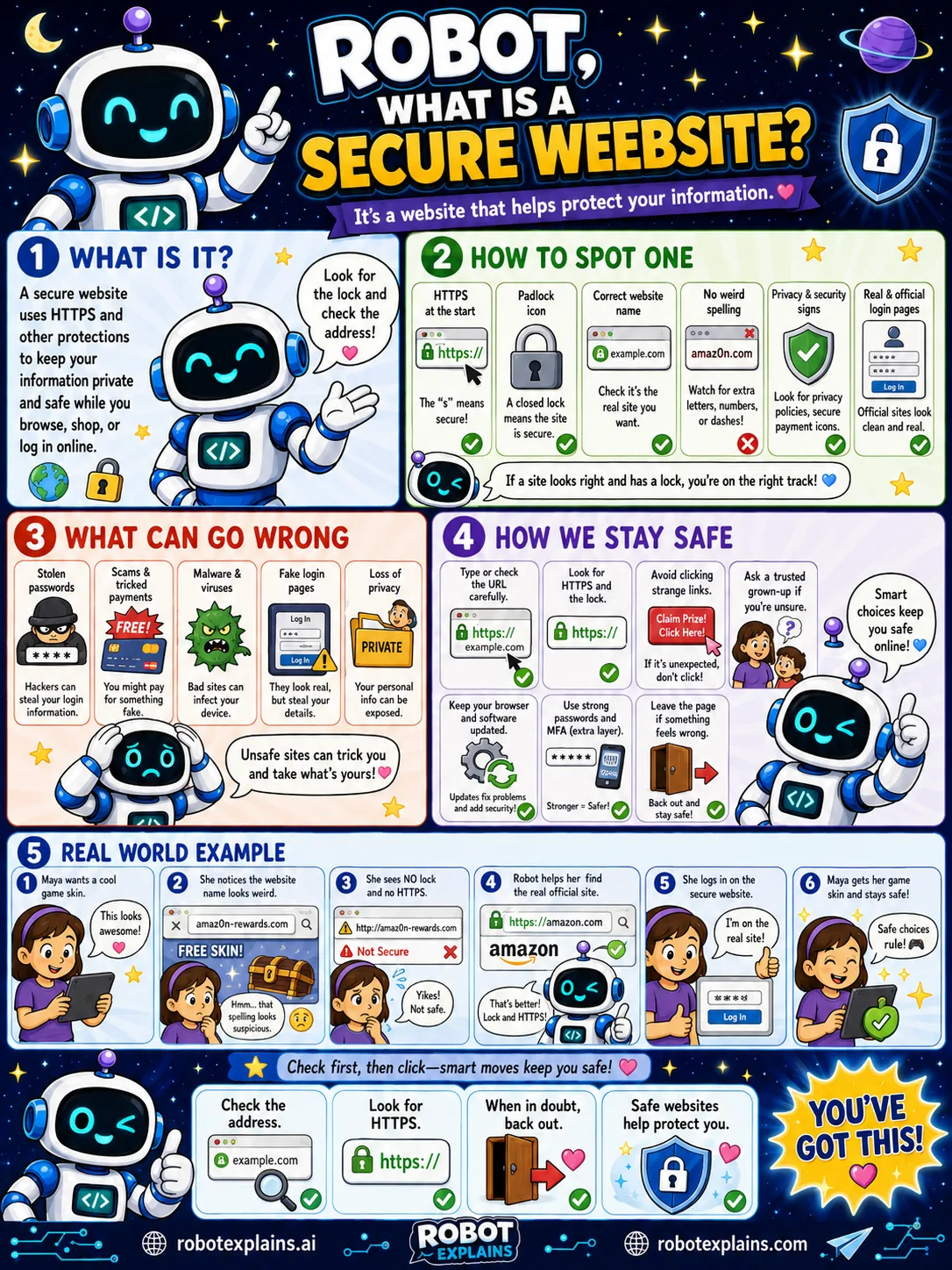
A secure website is one that helps protect your information while you browse, shop, or log in.
The big sign is HTTPS. Look at the address bar: if it starts with https and shows a little padlock, the connection is protected.
A few more checks help. Make sure the website name is spelled correctly, because tricksters use lookalikes. Watch for weird spelling, and use the real, official login pages.
Unsafe sites can cause trouble, like stealing passwords, spreading malware, or showing fake login pages to grab your info.
To stay safe: look for the lock and https, avoid clicking strange links, keep your browser updated, and if something feels wrong, leave the page.
Remember: check the address, look for HTTPS, and when in doubt, back out. Secure sites help protect you.
What to remember
- A secure website helps keep your information private.
- Look for https and the padlock in the address bar.
- Check the website name is spelled correctly.
- When in doubt, back out.
Words to know
- Secure website
- A site that protects the information you send.
- HTTPS
- A web address that is encrypted. The s means secure.
- Padlock
- The lock icon that shows the connection is protected.
- Lookalike site
- A fake site with a name close to the real one.
For grown-ups
A secure site serves over HTTPS (TLS), so data in transit is encrypted, and is the genuine domain, not a lookalike. Teach kids to check the padlock and the exact spelling in the address bar, since HTTPS proves encryption and identity but not that the site's owner is honest. Pair it with scam awareness.
Want the full story? These go deeper: