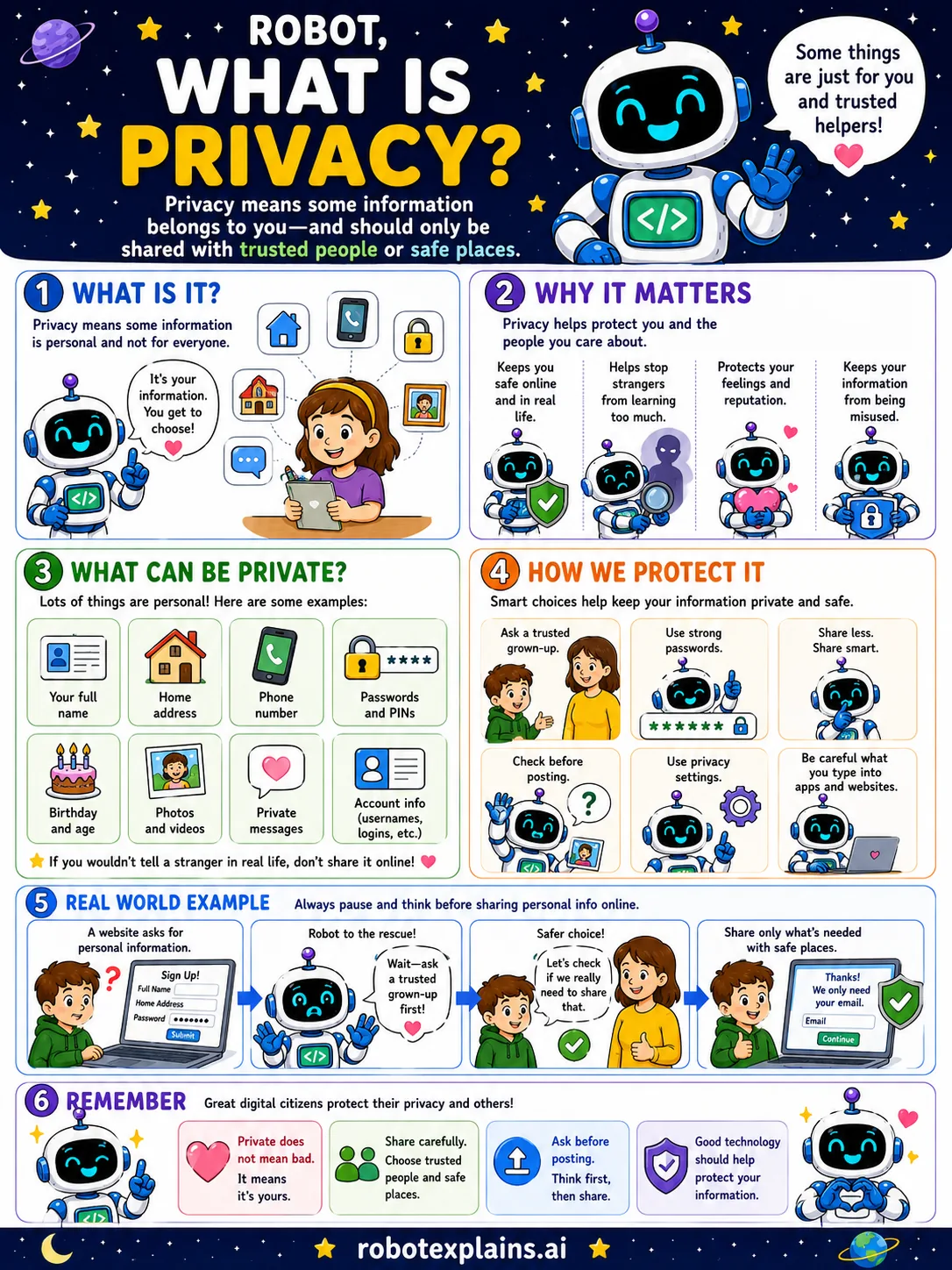
Privacy means some information belongs to you, and you get to choose who sees it.
It matters a lot. Privacy keeps you safe, stops strangers from learning too much about you, protects your feelings and reputation, and keeps your information from being misused.
Lots of things are personal: your full name, home address, phone number, passwords and PINs, birthday, photos, private messages, and account logins.
A good rule of thumb: if you would not tell a stranger in real life, do not post it online.
To protect your privacy, ask a trusted grown-up, use strong passwords, share less, use privacy settings, and check before posting.
Remember: your private information is yours. Share carefully, ask before posting, and good technology should help protect your privacy.
What to remember
- Privacy means some information belongs just to you.
- Share it only with trusted people and safe places.
- Think and ask before you post.
- You get to choose who sees your information.
Words to know
- Privacy
- Keeping your personal information yours.
- Personal information
- Details about you, like your address or birthday.
- Privacy settings
- Controls that decide who can see your stuff.
- Trusted person
- A safe grown-up or helper you can rely on.
For grown-ups
Privacy is control over your personal information: who can collect, see, and use it. For kids, the practical core is recognizing what is personal (name, address, school, photos), sharing it only with trusted people and safe sites, using privacy settings, and pausing before posting, because online sharing is hard to take back.
Want the full story? These go deeper: