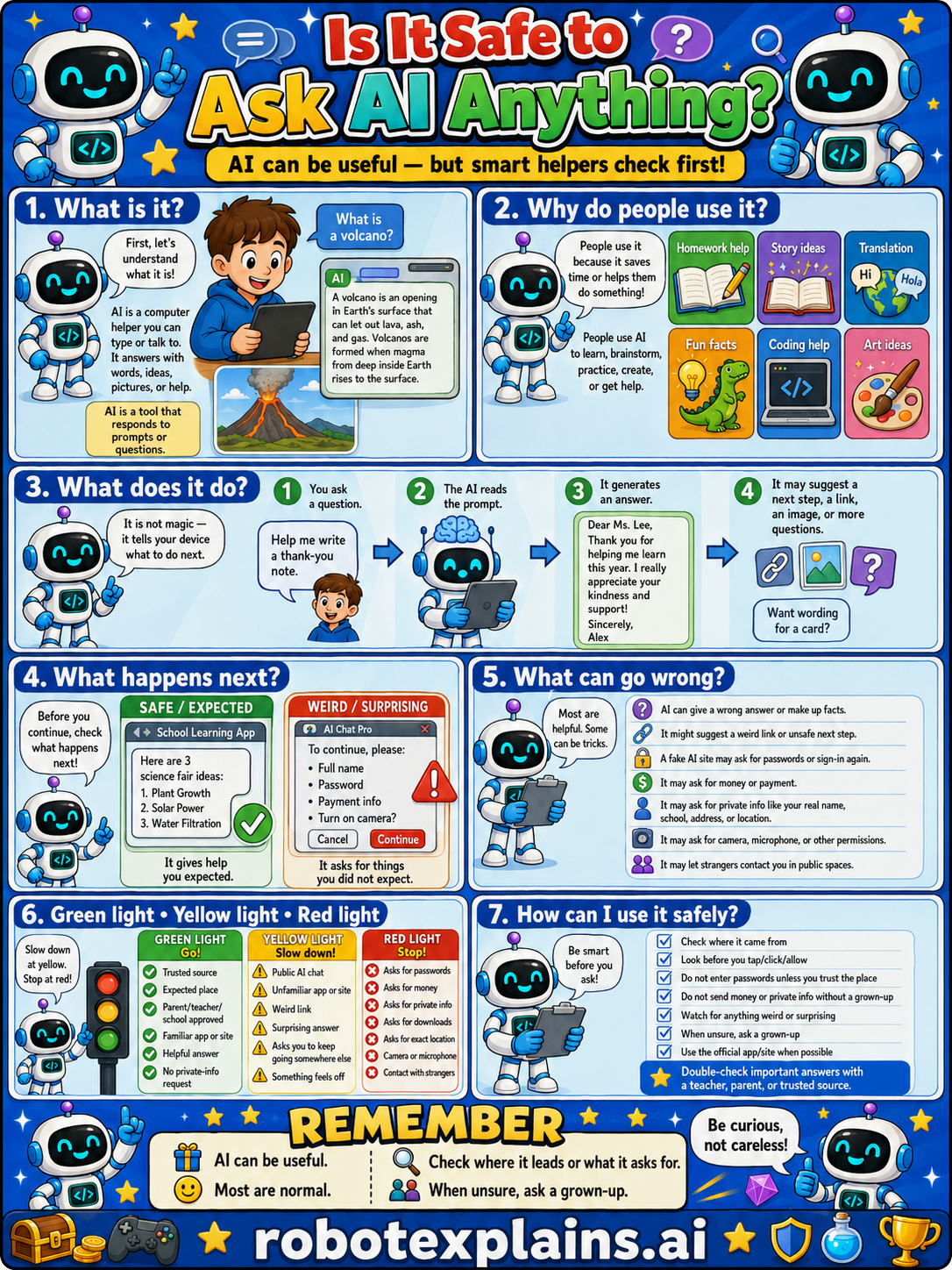
AI can be useful, but smart helpers check first. So, is it safe to ask AI anything? Mostly, if you check important answers and keep secrets private.
What is it? First, let's understand what it is. AI is a computer helper you can type or talk to. It answers questions with words, ideas, and help, like an opening in a conversation. (Ask it "What is a volcano?" and it explains.)
Why do people use it? People use it because it saves time or helps them do something, like homework help, story ideas, translation, fun facts, coding help, or art ideas. People use AI to learn, brainstorm, practice, create, or get help.
What does it do? It is not magic, it tells you what to do next. You ask a question, the AI reads the prompt, it generates an answer, and it may suggest a next step, a link, an image, or more questions.
What happens next? Before you continue, check what happens next. A school learning app gives help you expected, that's safe. An "AI Chat Pro" asking you to "continue, please" with full name, password, or payment is a red flag, turn it off and tell a grown-up.
What can go wrong? Most are helpful, but AI can be tricky: it can give a wrong answer or make up facts, it might suggest a weird link or unsafe next step, it may ask for passwords or sign-in again, it may be wrong about private info like your real name, school, address, or location, it may ask for camera, microphone, or other permissions, and strangers might contact you through a public app.
Green light, yellow light, red light. A quick way to decide:
- 🟢 Green: a trusted source, an expected place, your parent's or school's app, a helpful answer.
- 🟡 Yellow: an unfamiliar app, a weird link, asking you to sign in again, or something that feels off — slow down.
- 🔴 Red: asks for passwords, money, or private info, wants location or camera, a strange download, or contact from strangers — stop and ask a grown-up.
How can I use it safely? Check where it came from. Look before you tap, click, or allow. Don't enter passwords or private info without a grown-up. Watch for anything weird or surprising. When unsure, ask a grown-up. Use the official app/site when possible, and double-check important answers with a teacher, parent, or trusted source.
Remember: AI can be useful, but it can be wrong, so check important answers and keep private things private. When unsure, ask a grown-up. Be curious, not careless!
What to remember
- AI is useful, but it can be wrong or make things up.
- Double-check important answers with a trusted source.
- Don't share private info, passwords, or secrets with AI.
- When unsure, ask a grown-up.
Words to know
- AI
- A computer helper you can chat with for answers.
- Prompt
- The question or request you give an AI.
- Hallucination
- When AI gives a confident but wrong answer.
- Private info
- Passwords, your real name, school, and address.
For grown-ups
AI assistants are genuinely useful but fallible: they can hallucinate (confident, wrong answers), reflect bias, lack current context, and they shouldn't be fed sensitive personal data. The kid-safe rule pairs usefulness with verification: treat AI as a helpful starting point, double-check anything important with a trusted source, and never share private information. This also seeds healthy AI literacy that ties to the AI Basics lessons.
Want the full story? These go deeper: