Private browsing and Incognito mode are almost the same thing. Let's clear it up!
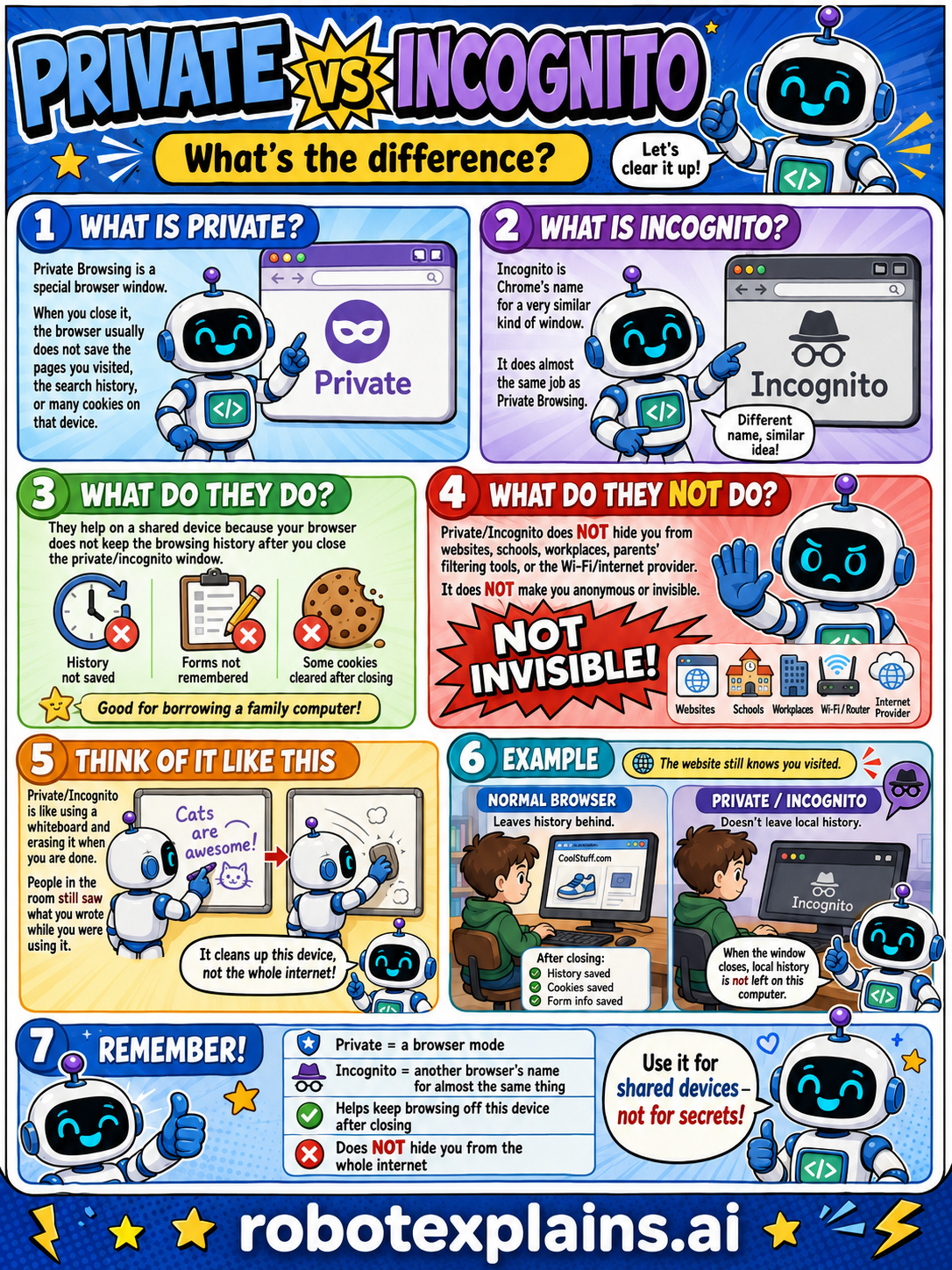
What is Private? Private browsing is a special browser window. When you close it, the browser usually does not save the pages you visited, the search history, or many cookies on that device.
What is Incognito? Incognito is Chrome's name for a very similar kind of window. It does almost the same thing as Private browsing, different name, similar idea!
What do they do? They help on a shared device, because your browser doesn't keep the browsing history after you close the private/incognito window. Good for borrowing a family computer!
What do they NOT do? Private/Incognito does not hide you from websites, schools, workplaces, your parents' filtering tools, or the Wi-Fi/internet provider. It does not make you anonymous or invisible. Not invisible!
Think of it like this. Private/Incognito is like using a whiteboard and erasing it when you're done. People in the room can still see what you write while you're using it. It cleans up this device, not the whole internet.
An example. A normal browser leaves history behind. A private/incognito window doesn't leave local history on that computer, but the website still knows you visited.
Remember: Private is a browser mode, Incognito is another browser's name for almost the same thing, it helps browsing off this device after closing, but it does not hide you from the whole internet. Use it for shared devices, not for secrets!
What to remember
- Private and Incognito are almost the same thing.
- They're a browser mode that doesn't save history on your device.
- They do NOT hide you from websites or the internet.
- Great for shared devices, not for secrets.
Words to know
- Private browsing
- A browser window that doesn't save history on your device.
- Incognito
- Chrome's name for private browsing.
- History
- The list of pages your browser usually remembers.
- Shared device
- A computer or phone more than one person uses.
For grown-ups
Private browsing (Incognito in Chrome — same idea, different name) prevents the browser from saving local history, cookies, and form data after the window closes. It does NOT make you anonymous: websites, schools, workplaces, your Wi-Fi/router, and your internet provider can still see activity. The right mental model is 'clean up this device,' not 'hide from the internet.' It's good for borrowing a family computer; it is not privacy from the network.
Want the full story? These go deeper: