An app and a website can feel similar, but they're different. An app is a program you install; a website is a page you visit in a browser. What's the difference?
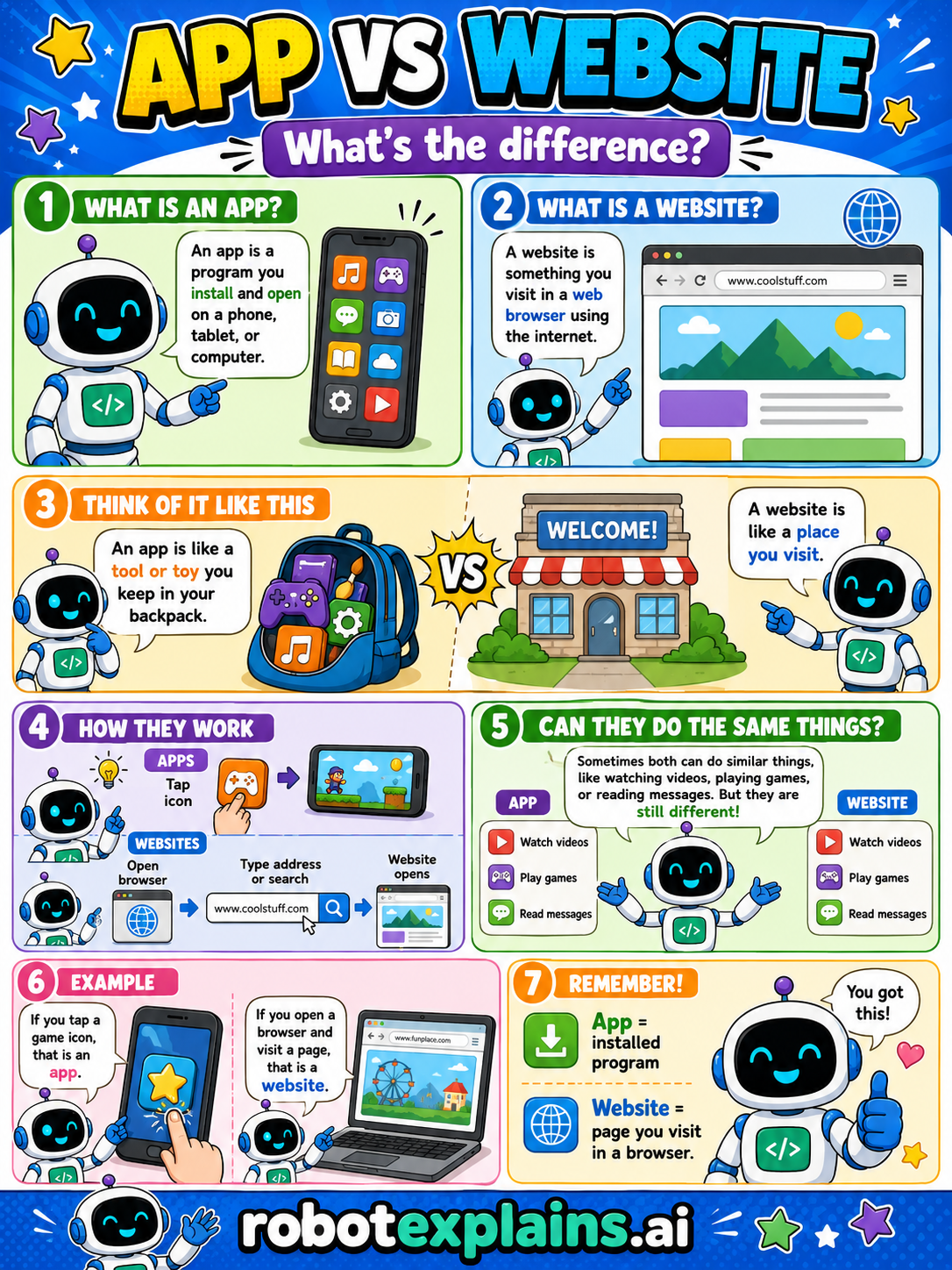
What is an app? An app is a program you install and open on a phone, tablet, or computer. You tap its icon to start it.
What is a website? A website is something you visit in a web browser using the internet. You open it by typing or searching a web address.
Think of it like this. An app is like a tool or toy you keep in your backpack, it lives on your device. A website is like a place you visit, you go to it through a browser.
How they work. For apps, you tap an icon. For websites, you open a browser, then type an address or search, and the website opens.
Can they do the same things? Sometimes both can do similar things, like watching videos, playing games, or reading messages. But they're still different in how you get to them.
An example. If you tap a game icon, that's an app. If you open a browser and visit a page, that's a website.
Remember: an app is an installed program, and a website is a page you visit in a browser. You got this!
What to remember
- An app is an installed program.
- A website is a page you visit in a browser.
- Apps open from an icon; websites open from a web address.
- Sometimes both can do similar things, but they're still different.
Words to know
For grown-ups
Both deliver software experiences, but the delivery differs. An app is installed on the device and launched from an icon; it can work partly offline and use device features directly. A website lives on a server and is opened in a browser via a URL — nothing to install, always the latest version. Many services offer both, and the line blurs with web apps, but the core distinction (installed program vs. browser page) is the durable one for beginners.
Want the full story? These go deeper: