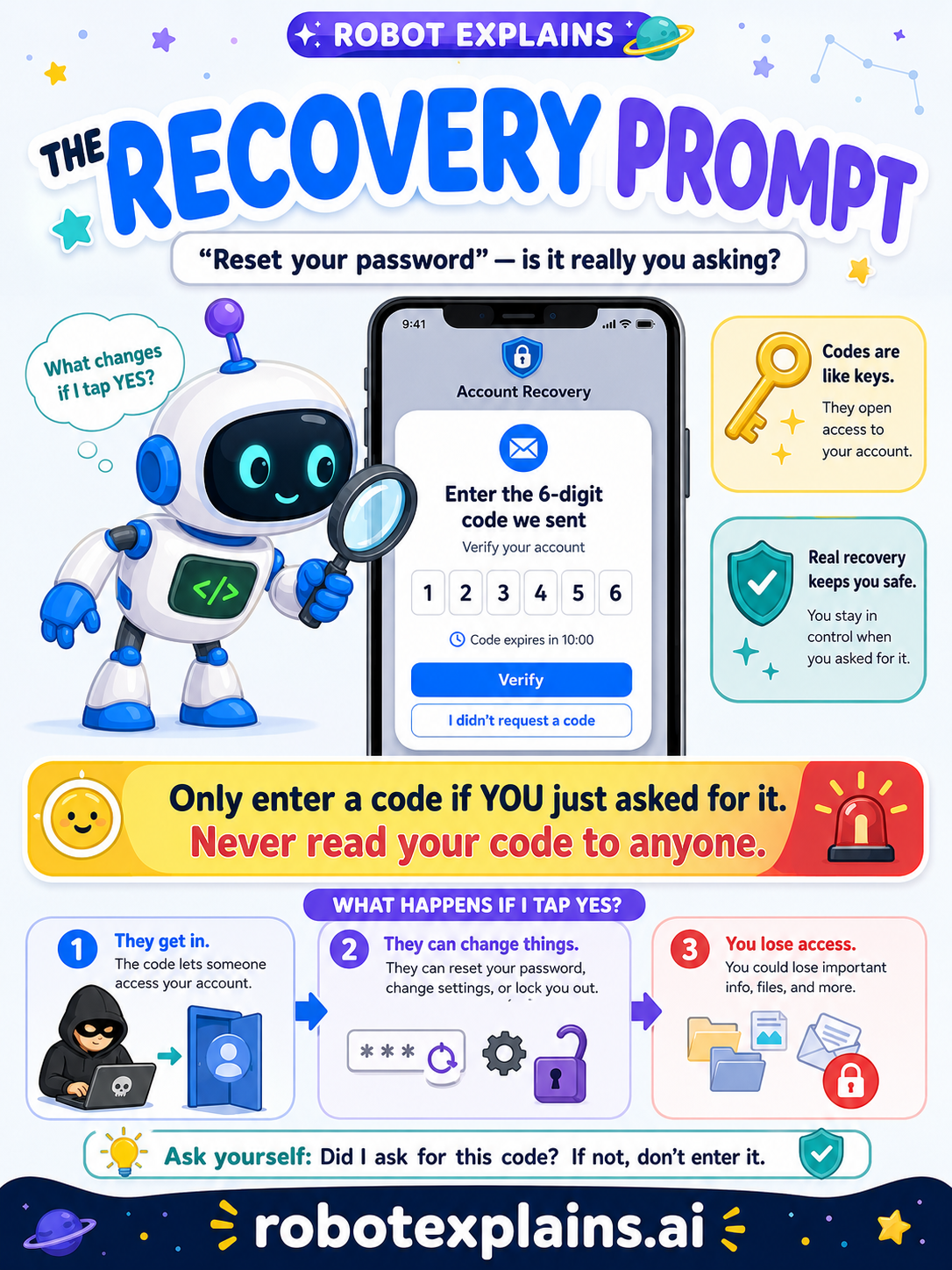
Sometimes you get locked out of an account — you forgot your password, or you got a new phone. A recovery prompt helps the real owner get back in. But because it's so powerful, tricksters try to fake it.
What is a recovery prompt? It's a screen that says things like "Reset your password," "Enter the code we sent," or "Verify your account." When you asked for it, it's your key back inside. The trouble starts when a code shows up that you didn't ask for.
The one golden rule. Only enter a code if you just asked for it. And never read your code out loud, type it into a chat, or send it to anyone — not even someone who says they're "support" or a "friend who needs help." A code is like a key to your account.
How the trick works. A scammer types your email into "forgot password." A real code gets sent to you. Then they message you: "Oops, I sent a code to your phone by mistake — can you read it back to me?" If you do, they walk right in. The code was never a mistake — it was the whole plan.
Green, yellow, red.
- 🟢 Green: you tapped "forgot password" and a code arrived for you to type in.
- 🟡 Yellow: a reset email or code you weren't expecting — don't tap anything, slow down.
- 🔴 Red: someone asks you to share or "read back" a code — never do it; tell a grown-up.
Remember: a code proves it's you, so keep it to yourself. Only enter one you asked for, and never share it. Be curious, not careless!
What changed?
Every tap changes something. The trick isn't fear — it's noticing. After you say “yes,” ask: what just changed?
- Entered a reset code you asked foryou got back into your own account — safe
- Entered a code you did NOT ask foryou may have let a stranger into your account
- Read your code aloud to someonethey can use it to take the account over
What to remember
- Recovery helps the real owner get back in.
- Only enter a code if YOU just asked for it.
- Never read or send your code to anyone — ever.
- A surprise "reset" you didn't ask for is a red flag.
Explain it back
You understand something best when you can teach it. Finish these out loud — to a friend, a grown-up, a little brother or sister, or even the mirror:
- A recovery prompt is for…
- I should only enter a code when…
- If someone asks me to read them my code, I should…
Words to know
- Recovery prompt
- A screen that helps you get back into a locked account.
- Verification code
- A short number sent to prove it's really you.
- Password reset
- Setting a new password when you forgot the old one.
- Account takeover
- When someone else gets into your account.