The Gallery
Meet the prompts, one by one
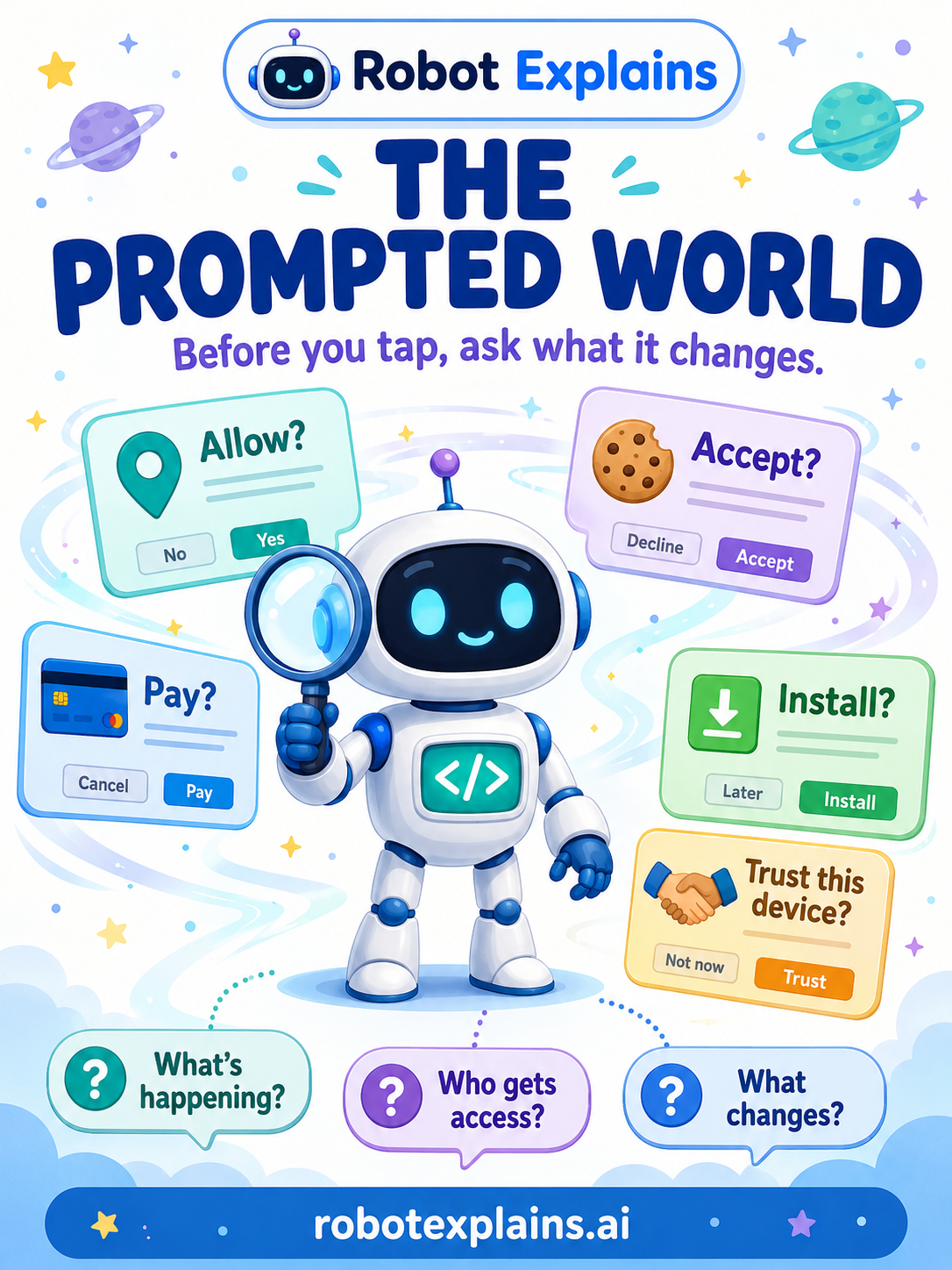
Every screen asks in its own way. Here's a friendly guide to the ten prompts you'll meet the most — tap any one to see what it's really asking, and what changes if you say yes.

The Permission Prompt
“Allow camera?” — what am I letting an app use?
Read the lesson →
The Login Prompt
“Sign in with Google” — what info do I share?
Read the lesson →
The Payment Prompt
“Confirm purchase” — what am I approving?
Read the lesson →
The Download Prompt
“Install” — what gets added to my device?
Read the lesson →
The Cookie Prompt
“Accept all” — who gets to remember me?
Read the lesson →
The Friend Request Prompt
“Accept?” — do I really know this person?
Read the lesson →
The Share Prompt
“Share” — who can see it?
Read the lesson →
The Warning Prompt
“Infected!” — is this warning even real?
Read the lesson →
The Recovery Prompt
“Enter your code” — is it really me asking?
Read the lesson →
The Trust Prompt
“Trust this device?” — is this device mine?
Read the lesson →