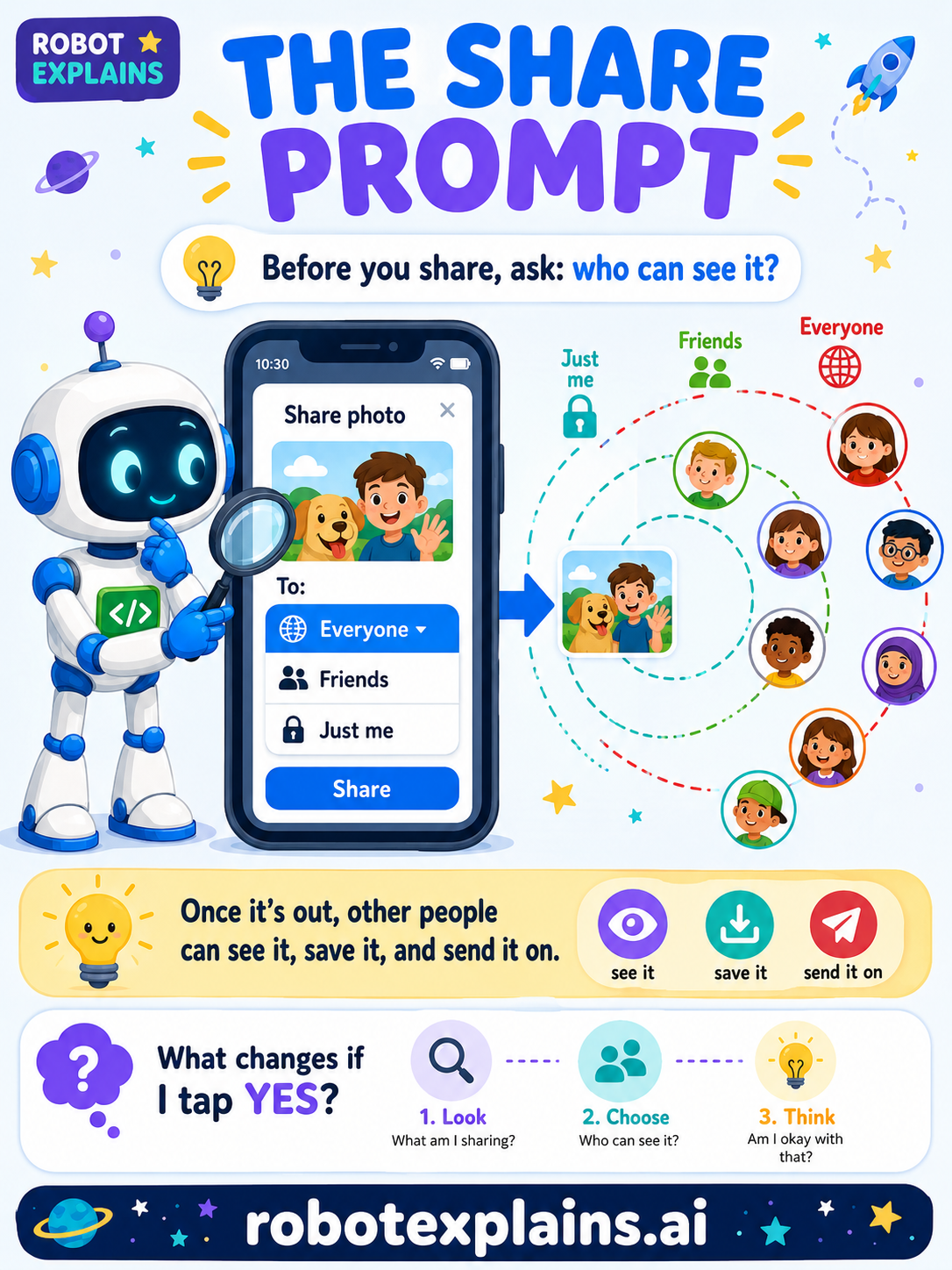
"Share" sounds friendly — and it usually is! But every share prompt is really asking one big question: who do you want to see this?
What is a share prompt? It's a button that sends something — a photo, a message, a video, your location — to other people. The words change ("Share," "Send," "Post"), but the choice underneath is always the same: your audience.
Everyone, friends, or just me. Most share prompts let you pick who sees it:
- Everyone / Public: anybody, including strangers.
- Friends: just the people you've added.
- Just me: private — only you.
The little "To:" menu is the most important part of the whole prompt. It's easy to miss, and it's often set to "Everyone" already.
Why it matters. Once something is shared, other people can see it, save it, and send it on. That means it can travel much farther than you meant — and it's very hard to take back. A photo shared "just for a friend" can end up anywhere if that friend re-shares it.
Green, yellow, red.
- 🟢 Green: sharing a drawing with your class, or a message to a friend.
- 🟡 Yellow: posting a photo where lots of people can see it — check the audience.
- 🔴 Red: sharing your location, or a photo showing your home or school, with people you don't know — ask a grown-up first.
Remember: before you tap Share, find the "who can see it?" setting and choose on purpose. When unsure, share with fewer people. Be curious, not careless!
What changed?
Every tap changes something. The trick isn't fear — it's noticing. After you say “yes,” ask: what just changed?
- Shared to “Everyone”anyone can see it, save it, and send it on
- Shared your locationpeople can tell where you are right now
- Shared with “Just me”you kept it private — only you can see it
What to remember
- Share sends your thing to other people.
- Always check the audience: everyone, friends, or just me.
- Once it's out, it's hard to take back.
- When unsure, share with fewer people — or ask a grown-up.
Explain it back
You understand something best when you can teach it. Finish these out loud — to a friend, a grown-up, a little brother or sister, or even the mirror:
- A share prompt is…
- Before I share, I should check…
- Something is hard to take back once it's shared because…
Words to know
- Share prompt
- A button that sends your photo, message, or location to others.
- Audience
- The people who can see what you share.
- Public
- Something anyone can see.
- Private
- Something only you, or people you pick, can see.