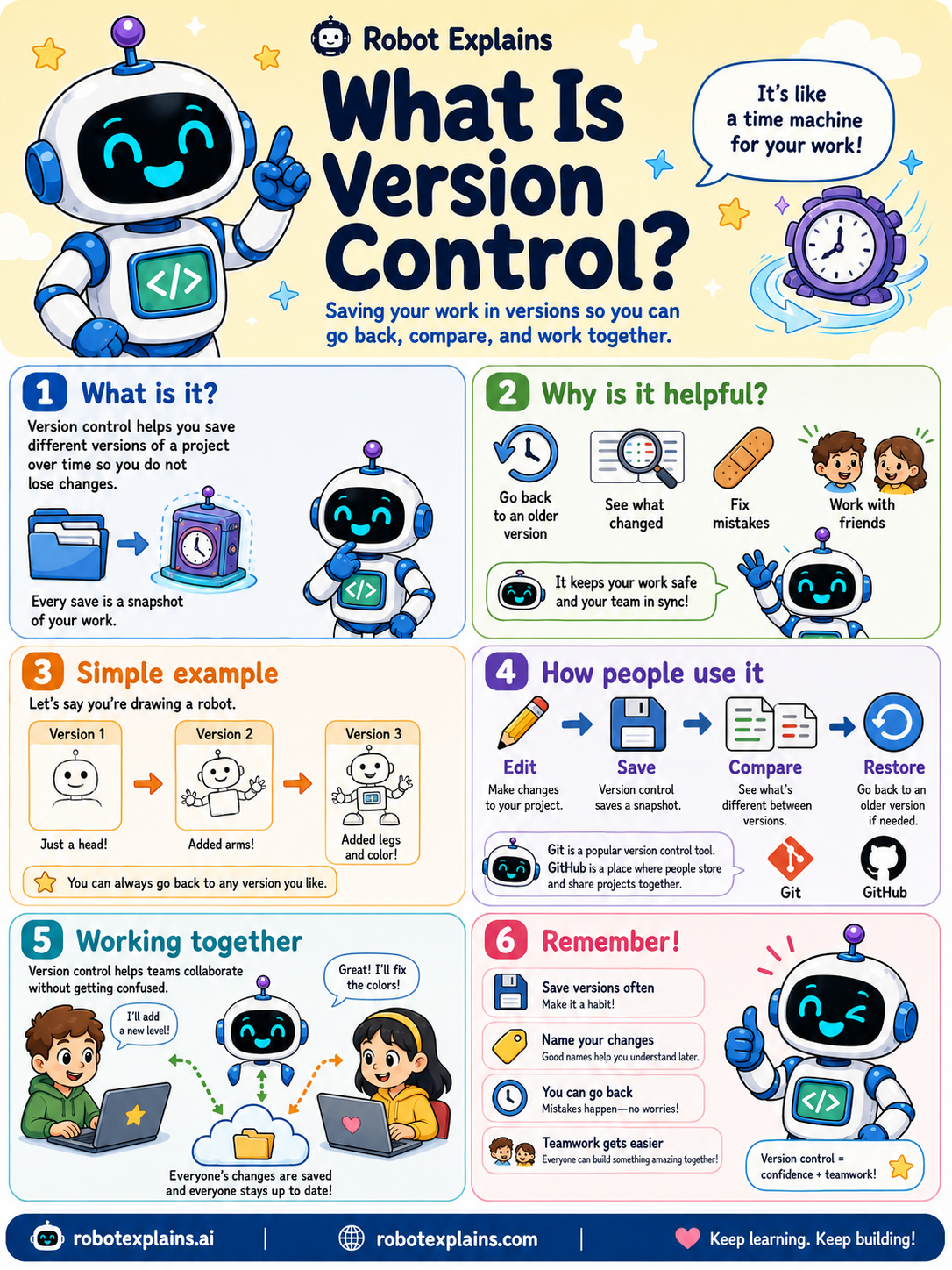
Version control helps you save your work in versions, so you can go back, compare, and work together. It is like a time machine for your work.
What is it? It helps you save different versions of a project over time so you do not lose changes. Every save is a snapshot of your work.
Why is it helpful? You can go back to an older version, see what changed, fix mistakes, and work with friends. It keeps your work safe and your team in sync.
Here is a simple example. Say you are drawing a robot. Version 1 is just a head. Version 2 adds arms. Version 3 adds legs and color. You can always go back to any version you like.
How do people use it? They edit, save (which stores a snapshot), compare versions, and restore an older one if needed. Git is a popular version control tool, and GitHub is a place where people store and share it.
Working together is easier too: everyone's changes are saved, so no one steps on each other's work.
Remember: save versions often, name your changes, go back anytime, and teamwork gets easier.
What to remember
- Version control saves snapshots of your work over time.
- You can go back, compare, and fix mistakes.
- It lets teams work together without confusion.
- Git is the popular tool; GitHub is where it is shared.
Words to know
- Version control
- Saving work in versions you can return to.
- Snapshot
- A saved version at one point in time.
- Git
- A popular version control tool.
- Restore
- Going back to an earlier version.
For grown-ups
Version control tracks changes to files over time, enabling history, diffing, branching, and collaboration without overwrites. Git is the dominant tool; platforms like GitHub host it. It is the safety net and teamwork backbone of software, every save is a recoverable snapshot.
Want the full story? These go deeper: