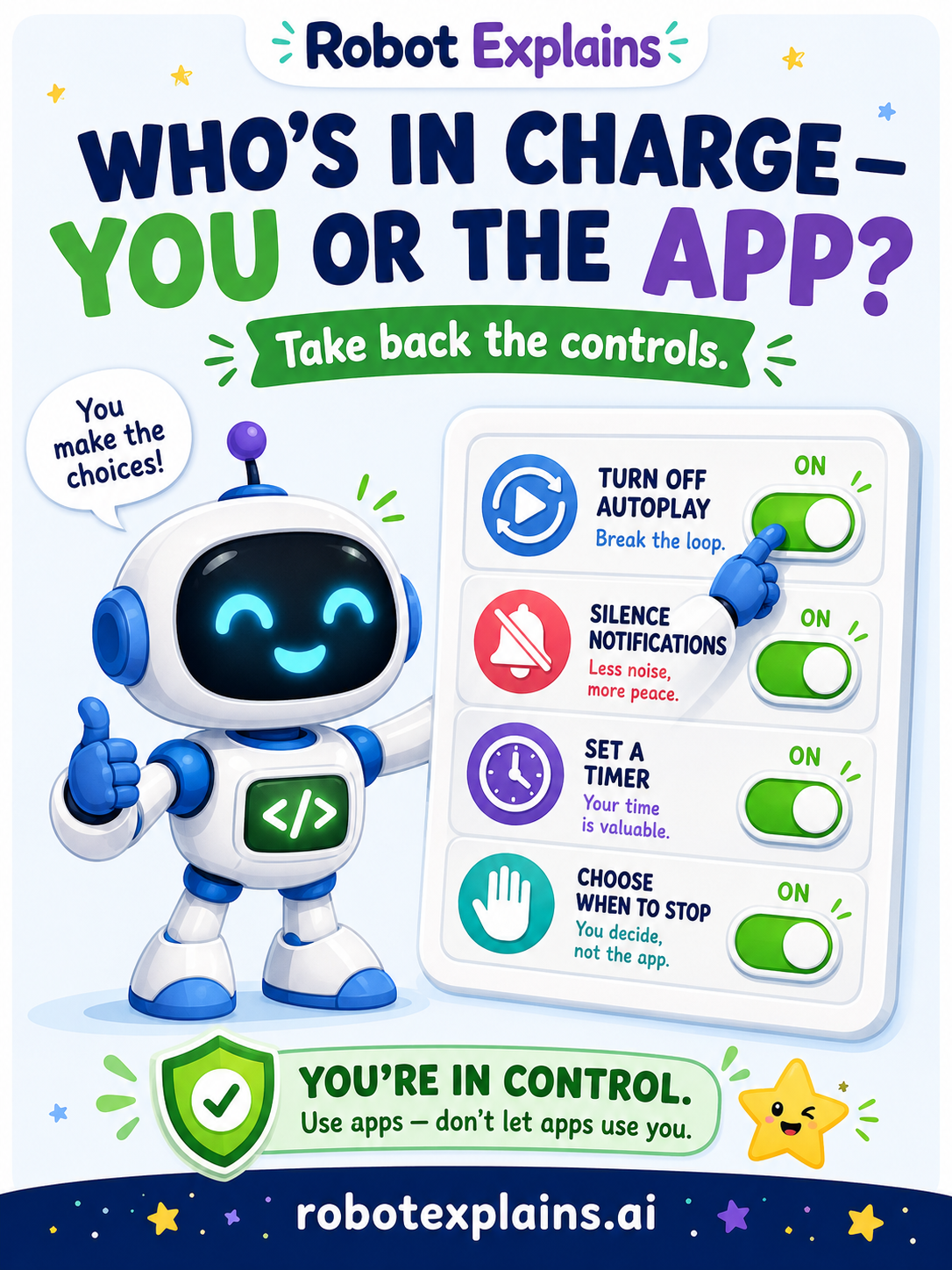
Apps are built to keep you scrolling — but here's a secret they'd rather you didn't notice: you hold the real controls. You get to decide who's in charge, you or the app. And with a few simple moves, it's always you.
Take back the controls. You don't have to delete anything or quit for good. Just flip a few switches:
- ▶️ Turn off autoplay — now the next video waits for you to choose.
- 🔔 Silence notifications — no more all-day "dings" pulling you back. Use Do Not Disturb.
- ⏰ Set a timer — decide "20 minutes," then stop when it rings.
- 🎯 Pick a stopping point first — "three videos, then I'm done" works better decided before you start.
- 🌙 Make screen-free zones — no phone at dinner, or before sleep.
Why this works. Every hook the app uses — autoplay, streaks, notifications — has an off switch or a workaround. The app is hoping you won't use them. Using them puts you back in the driver's seat.
It feels good, too. Choosing when to stop — instead of being pulled — is a great feeling. You still enjoy the fun parts; you just do it on your terms, with time left over for the other things you love.
Green, yellow, red.
- 🟢 Green: you set a limit and stopped when you meant to — you're in charge.
- 🟡 Yellow: the app keeps pulling you past your plan — change a setting.
- 🔴 Red: you can't stop no matter what — ask a grown-up to help you set limits together.
Remember: the app has hooks, but you have the controls. Flip a switch, set a limit, and choose when to stop. Be curious, not careless!
What changed?
Every tap changes something. The trick isn't fear — it's noticing. After you say “yes,” ask: what just changed?
- Turned off autoplaythe next video waits for you to choose
- Silenced notificationsthe app stops pulling you back all day
- Set a timer before you startedyou decide when you're done, not the feed
What to remember
- You hold controls the app hopes you won't use.
- Turn off autoplay and silence notifications.
- Set a timer or a stopping point before you start.
- Choosing when to stop is real power.
Explain it back
You understand something best when you can teach it. Finish these out loud — to a friend, a grown-up, a little brother or sister, or even the mirror:
- One control I can change is…
- Turning off autoplay helps because…
- A stopping plan I could use is…
Words to know
- Settings
- The controls where you can change how an app behaves.
- Screen time limit
- A timer that helps you stop after a while.
- Do Not Disturb
- A setting that silences notifications for a while.
- In charge
- Being the one who decides — not the app.