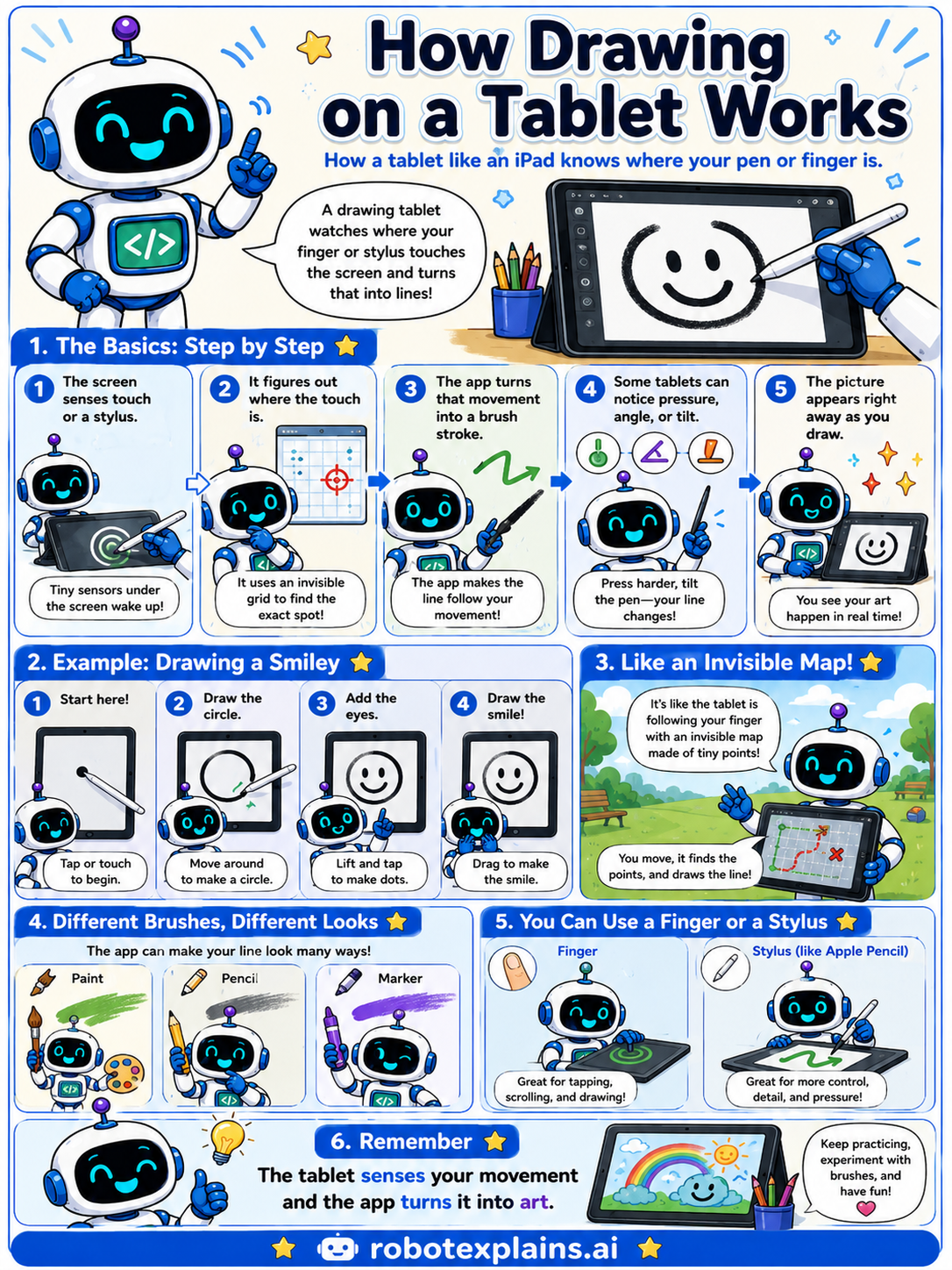
A drawing tablet watches where your finger or stylus touches the screen and turns that into lines!
The basics, step by step. The screen senses a touch or a stylus. It figures out exactly where the touch is, using an invisible grid to find the spot. The app turns that movement into a brush stroke. Some tablets can even notice pressure, angle, or tilt, so pressing harder can change the line. And the picture appears right away as you draw.
Like an invisible map. It's like the tablet is following your finger with an invisible map made of tiny points. You move, it finds the points, and it draws the line.
Different brushes, different looks. The app can make your line look many ways, like paint, pencil, or marker.
Finger or stylus. A finger is great for tapping, scrolling, and drawing. A stylus gives you more control, detail, and pressure.
Remember: the tablet senses your movement and the app turns it into art. Keep practicing, experiment with brushes, and have fun!
What to remember
- A tablet senses where your finger or stylus touches.
- It figures out the exact spot and follows your movement.
- Some tablets can feel how hard you press.
- Your art appears right away as you draw.
Words to know
- Touchscreen
- A screen that senses where you touch it.
- Stylus
- A special pen for drawing or tapping on a screen.
- Pressure
- How hard you press, which can change the line.
- Pixel
- One tiny dot of the picture you make.
For grown-ups
Touch and pen input rely on sensors (commonly capacitive grids, plus active digitizers for styluses) that locate the contact point on a fine coordinate grid. Software maps that input to brush strokes, often using pressure, tilt, and angle to vary the line. The device updates the display in real time, so drawing feels immediate. The kid-level idea: the tablet senses your movement and the app turns it into art, point by point.
Want the full story? These go deeper: