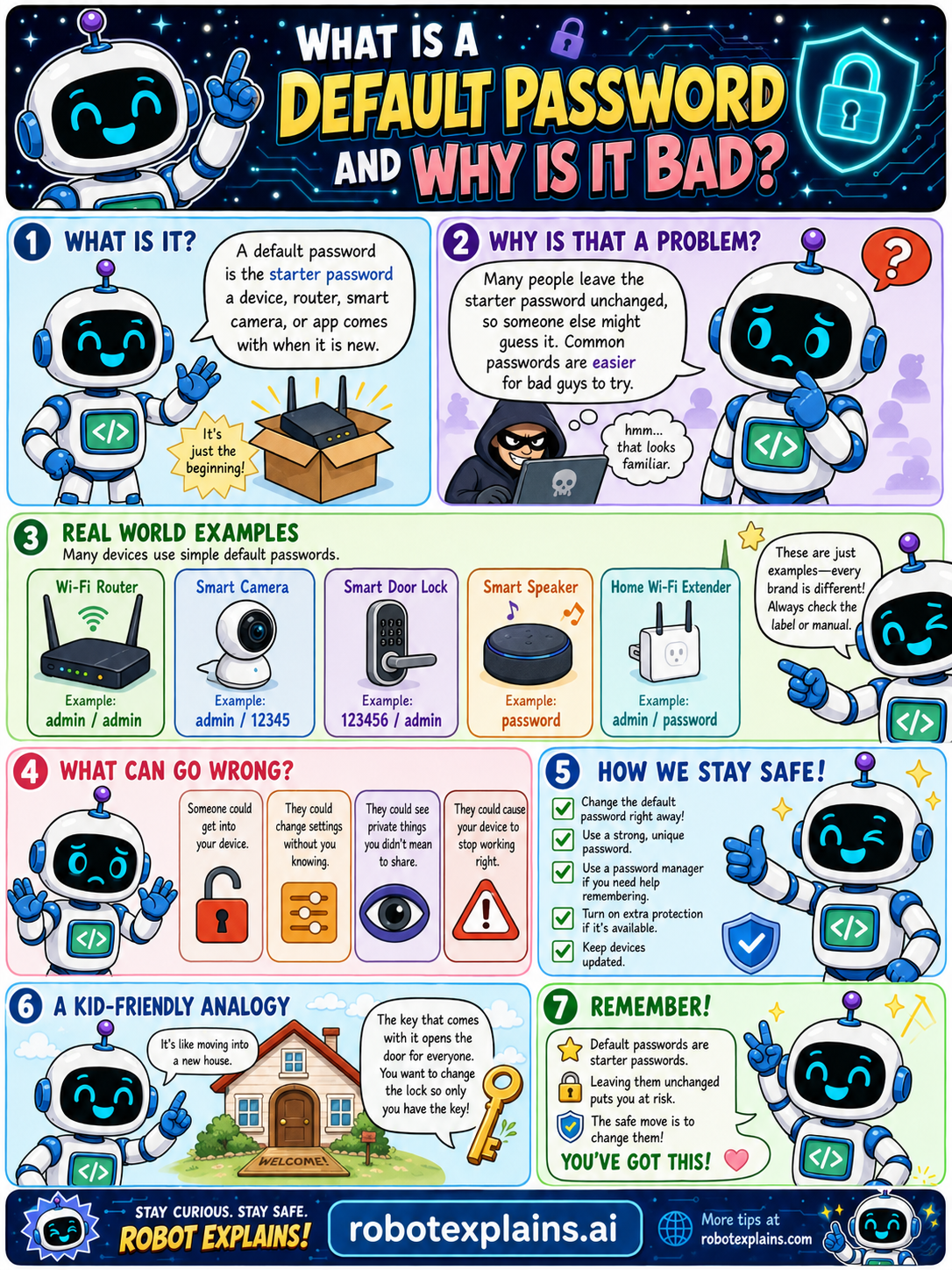
A default password is the starter password a device, router, smart camera, or app comes with when it's new. It's just the beginning, meant to be changed.
Why is that a problem? Many people leave the starter password unchanged, so someone else might guess it. Common default passwords are well known and easy for bad actors to try.
Real-world examples: many devices use simple default passwords. A Wi-Fi router might use admin / admin, a smart camera admin / 12345, a smart door lock 123456 / admin, a smart speaker password, and a home Wi-Fi extender admin / password. These are just examples, every brand is different, so always check the label or manual.
What can go wrong? Someone could get into your device, change settings without your knowing, see private things you didn't mean to share, or cause your device to stop working right.
How do we stay safe? Change the default password right away, use a strong, unique password, use a password manager if you need help remembering, turn on extra protection (like MFA) if it's available, and keep your devices updated.
Here's a kid-friendly analogy. A default password is like leaving the door key in the door for everyone. You want to change the lock so only you have the key!
Remember: default passwords are starter passwords, leaving one unchanged puts you at risk, and the safe move is to change it. You've got this!
What to remember
- A default password is the starter password a device comes with.
- Attackers know the common ones, so it's risky to keep.
- Change it to a strong, unique password right away.
- Routers, cameras, and smart devices all have them.
Words to know
- Default password
- The starter password a new device comes with.
- Strong password
- Long, unique, and hard to guess.
- Password manager
- A tool that remembers strong passwords.
- Setup
- When you first turn a device on, change it then.
For grown-ups
A default password is the manufacturer-set credential a device or app ships with. Defaults are public knowledge (and often identical across units), so unchanged defaults are a leading cause of device compromise, especially for routers and IoT. Change to a strong, unique password (and enable MFA) at setup.
Want the full story? These go deeper: