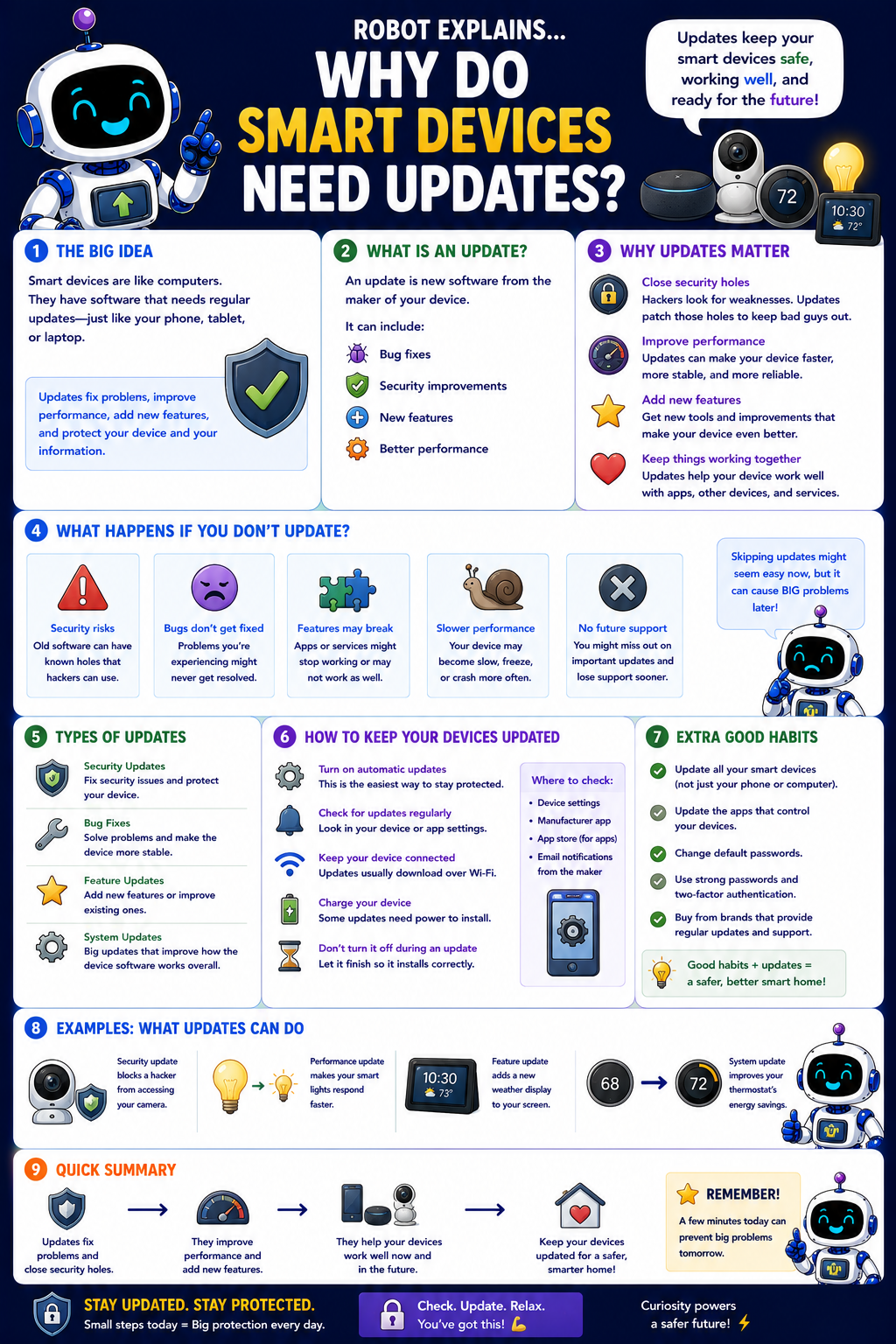
Smart devices are like little computers. They have software that needs regular updates, just like your phone, tablet, or laptop. Updates fix problems, improve performance, add new features, and protect your device and your information.
What is an update? An update is new software from the maker of your device. It can include bug fixes, security improvements, new features, and better performance.
Why updates matter: they close security holes (hackers look for weaknesses; updates patch them), improve performance (devices run faster, more stable, more reliable), add new features (new tools and improvements that make your device better), and keep things working together (so your device plays nicely with apps, other devices, and services).
What happens if you don't update? Security risks (old software can have known holes hackers can use), bugs that never get fixed, features that may break, slower performance, and no future support. Skipping updates might seem easy now, but it can cause big problems later.
Types of updates: security updates (focus on safety), bug fixes (solve problems and add stability), feature updates (add or improve features), and system updates (big updates that improve the device's software overall).
How to keep devices updated: turn on automatic updates (the easiest way to stay protected), check for updates regularly (look in your device or app settings), keep your device connected (updates usually download over Wi-Fi), charge your device (some updates need power), and don't turn it off during an update (let it finish so it installs correctly).
Extra good habits: update all your smart devices, update the apps that control them, change default passwords, use strong passwords and 2FA, and buy from brands that provide regular updates. Good habits plus updates equal a safer smart home.
Remember: updates fix problems and add features, they improve performance, and they help your device stay safe and ready for the future. Stay updated, stay protected!
What to remember
- Smart devices are computers, so their software needs updates.
- Updates close security holes and fix bugs.
- They add features and keep things working together.
- Turn on automatic updates to stay protected.
Words to know
- Update
- New software from the maker of a device.
- Security update
- An update that closes safety holes.
- Automatic updates
- Letting updates install themselves.
- Firmware
- The built-in software a device runs.
For grown-ups
Smart/IoT devices run software and firmware that needs patching like any computer. Updates close security holes, fix bugs, and add features; unpatched devices are a common entry point for attackers. Enable automatic updates, keep controlling apps updated, change default credentials, and favor vendors that provide long-term support.
Want the full story? These go deeper: