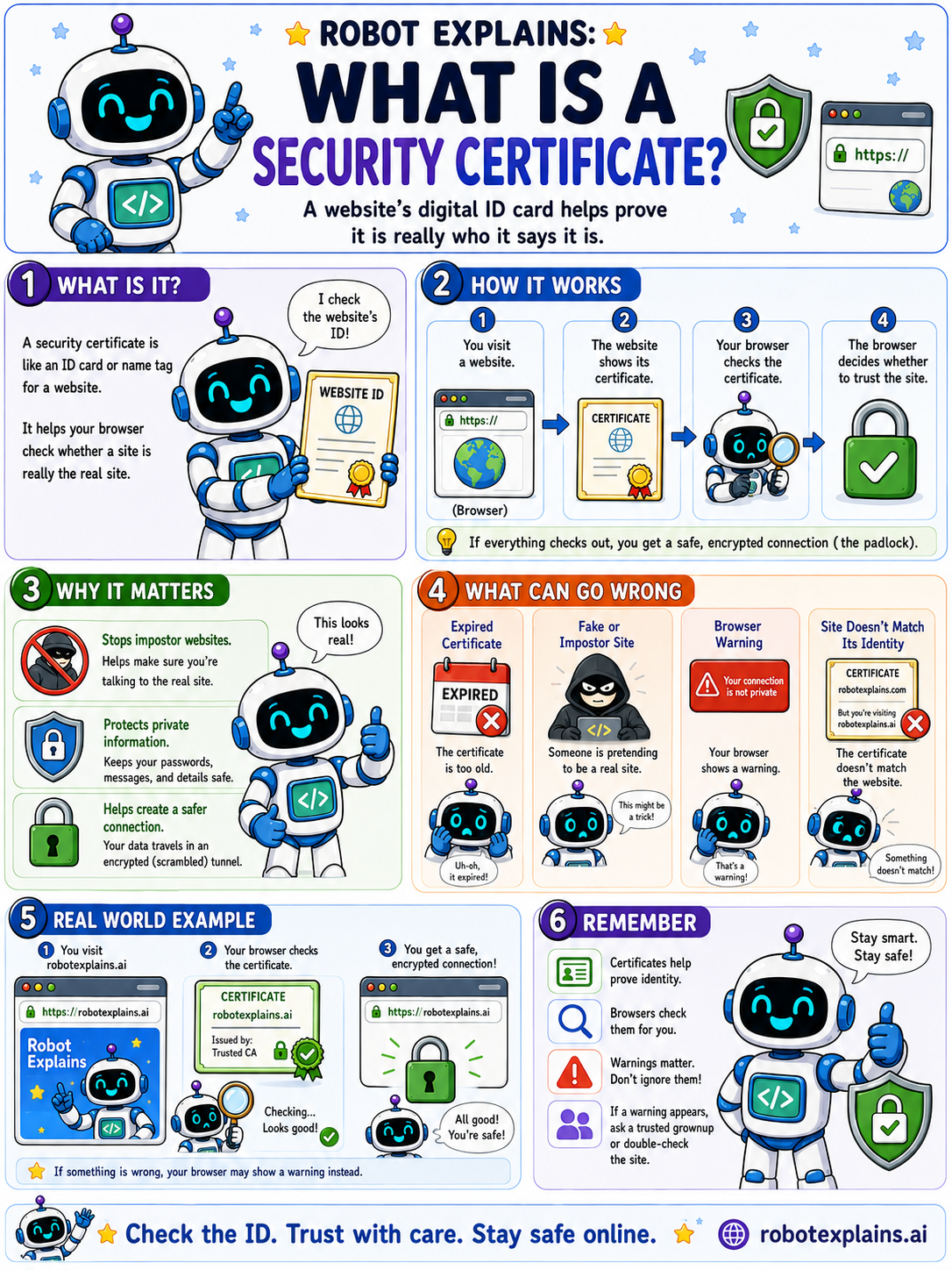
A security certificate is like an ID card or name tag for a website. It helps your browser check that a site is really who it says it is.
Here is how it works. You visit a website, the site shows its certificate, your browser checks it, and if everything looks good, your browser decides to trust the site. That is when you get the padlock and a safe, encrypted connection.
Why does it matter? Certificates help stop impostor websites, protect your private info, and make a safer, scrambled connection.
Things can go wrong: an expired certificate, a fake or impostor site, a browser warning, or a certificate whose name does not match the website. Any of those is a reason to stop.
So certificates prove identity, browsers check them for you, and warnings are worth listening to.
When in doubt, ask a trusted grown-up or double-check the website name.
What to remember
- A certificate is a website's digital ID card.
- Browsers check it to confirm a site is the real one.
- A valid certificate gives you the padlock and encryption.
- Warning signs like expired or mismatched mean stop and check.
Words to know
- Security certificate
- A digital ID that proves a website's identity.
- Certificate authority
- A trusted group that issues certificates.
- Expired
- Past its valid date, so the browser warns you.
- Encrypted
- Scrambled so only the right side can read it.
For grown-ups
A TLS certificate binds a public key to a domain and is signed by a trusted Certificate Authority. The browser validates the chain, expiry, and name match before establishing the encrypted session. Expired, self-signed, or mismatched certificates trigger warnings that should not be clicked through casually.
Want the full story? These go deeper: