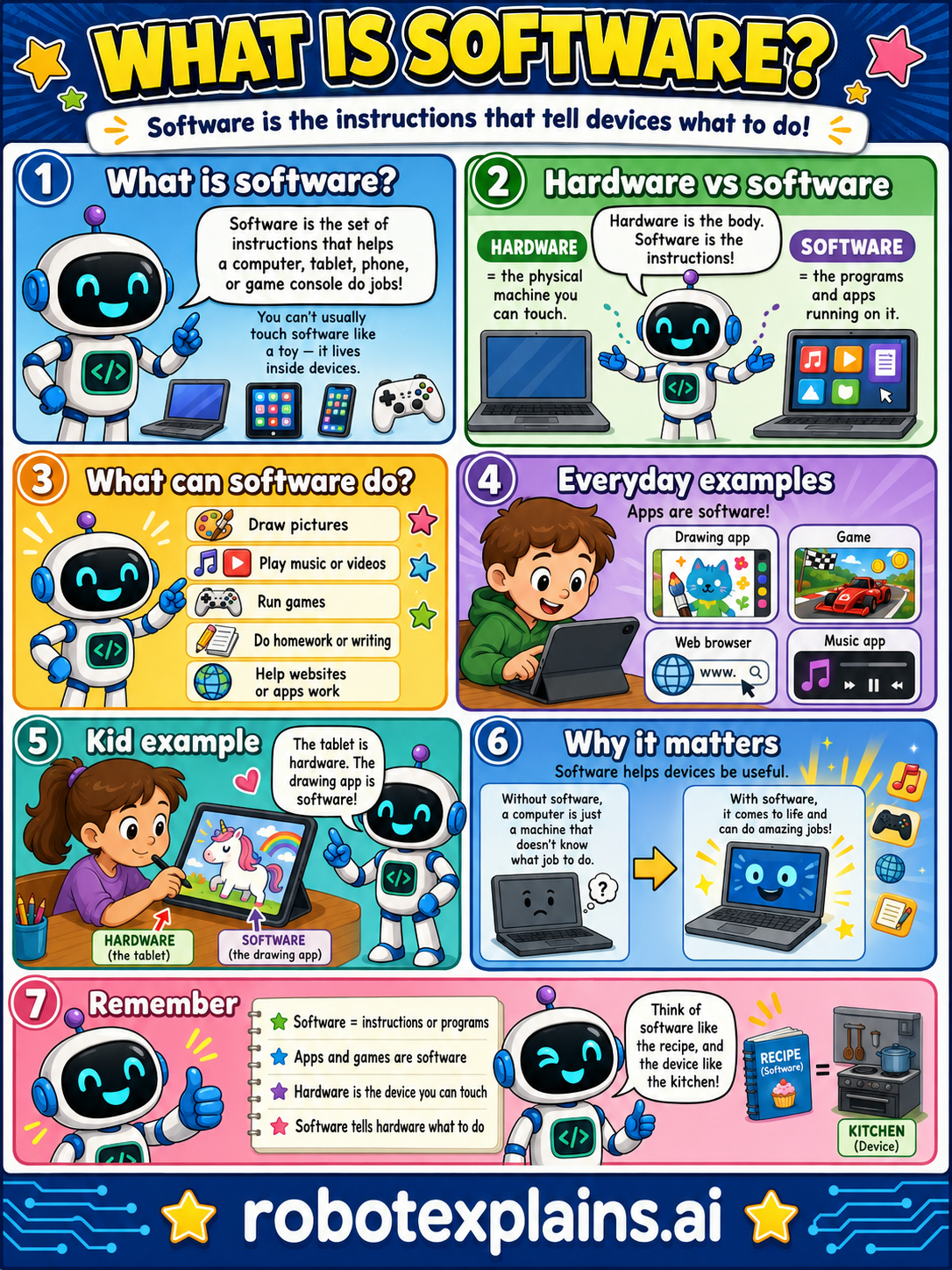
Software is the set of instructions that helps a computer, tablet, phone, or game console do its jobs. You can't usually touch software like a toy, it lives inside devices.
Hardware vs software. Hardware is the body, the physical machine you can touch. Software is the instructions, the programs and apps running on it. Hardware is the parts; software tells those parts what to do.
What can software do? Lots! It can draw pictures, play music or videos, run games, do homework or writing, and help websites and apps work.
Everyday examples. Apps are software, a drawing app, a game, a web browser, a music app. They're all sets of instructions running on your device.
A kid example. A tablet is hardware (the device you can touch). A drawing app on it is software (the instructions that make it draw).
Why it matters. Without software, a computer is just a machine that doesn't know what job to do. With software, it comes to life and can do amazing jobs.
Think of software like a recipe, and the device like the kitchen. The kitchen has the tools (hardware), and the recipe (software) tells it what to make.
Remember: software = instructions or programs, apps and games are software, hardware is what you can touch, and software tells hardware what to do.
What to remember
- Software is the instructions or programs that run on a device.
- Apps and games are software.
- Hardware is the physical parts you can touch.
- Software tells the hardware what to do.
Words to know
- Software
- The instructions and programs that run on a device.
- Hardware
- The physical parts of a device you can touch.
- App
- A piece of software you open to do something.
- Program
- A set of instructions that does a job.
For grown-ups
Software is the set of coded instructions that tells hardware what to do — operating systems, apps, games, websites, and the code behind them. It's the intangible counterpart to hardware (the physical machine). The recipe-and-kitchen analogy works well: hardware is the kitchen and tools, software is the recipe that puts them to use. Defining it plainly anchors many other lessons (updates, patches, apps, coding) that assume the term.
Want the full story? These go deeper: