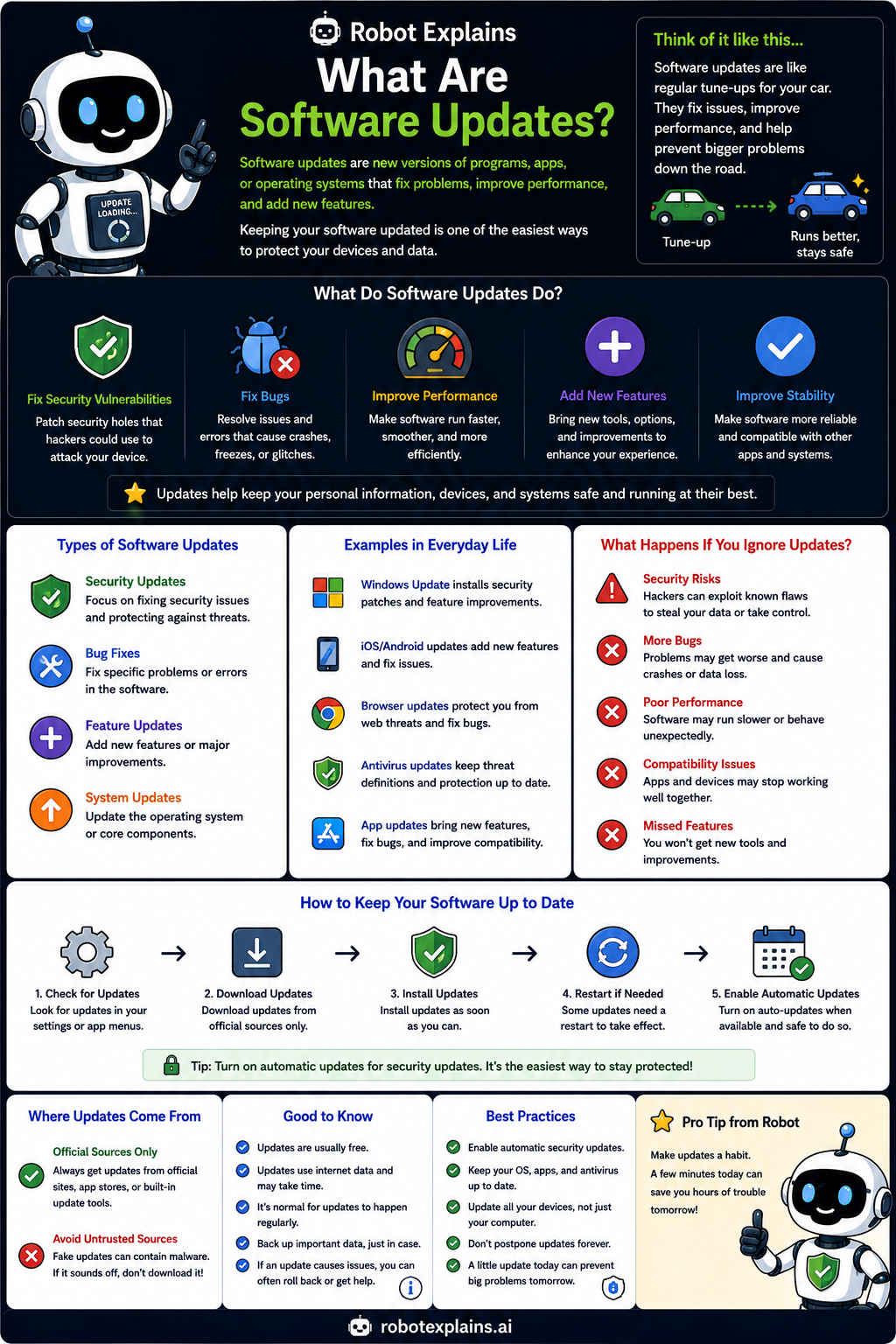
Software updates are new versions of programs, apps, and operating systems. They fix problems, improve performance, and add new features.
Think of it like a tune-up for your car. A tune-up fixes issues, improves performance, and helps prevent bigger problems down the road.
Updates do a lot of good: they fix security holes that attackers could use, squash bugs, make things faster, add features, and make software more stable.
If you ignore updates, trouble adds up: known security holes stay open, bugs get worse, performance slips, and you miss new features.
Keeping updated is easy: check for updates, download them from the official source, install, restart if needed, and turn on automatic updates.
Remember: updates fix security holes and bugs, ignoring them is risky, use official sources, and let auto-updates do the work.
What to remember
- Updates fix security holes and bugs, and add features.
- Ignoring them leaves your device open to attacks.
- Get updates from official sources only.
- Turn on automatic updates when you can.
Words to know
- Software update
- A new version that fixes or improves a program.
- Patch
- A small update that fixes a specific problem.
- Vulnerability
- A weakness that an update can close.
- Auto-update
- Letting updates install themselves.
For grown-ups
Updates (patches) remediate vulnerabilities, fix bugs, and add features. Timely patching is one of the highest-impact security controls, since most exploited flaws already have fixes available. Enable automatic updates and install only from official sources to avoid trojaned 'updates.'
Want the full story? These go deeper: