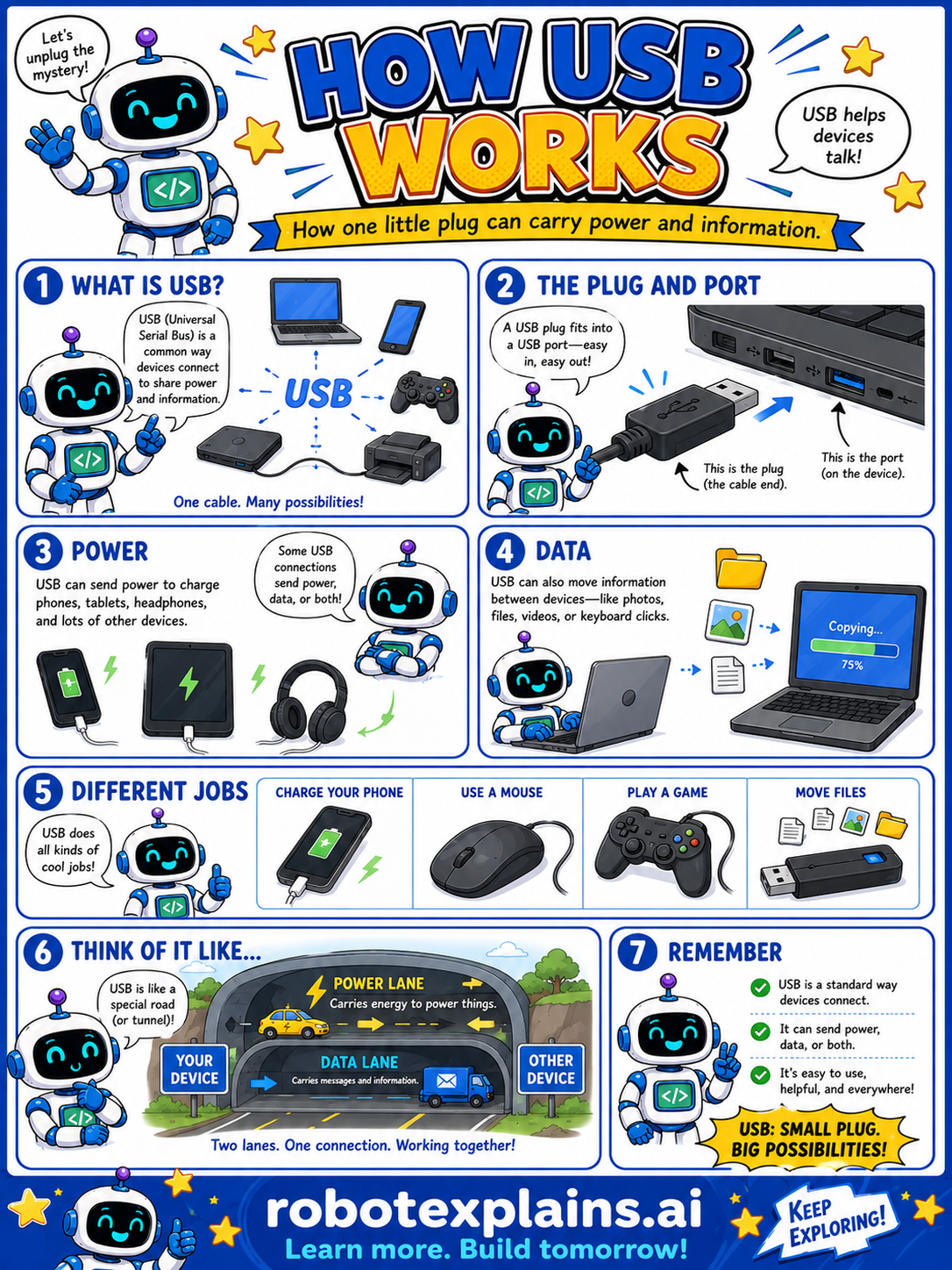
USB is one little plug that can carry both power and information. USB stands for Universal Serial Bus, a common way for devices to connect.
The plug and port. A USB plug fits into a USB port, and many are easy to push in. The plug is the cable end; the port is the opening on the device.
Power. USB can send power to charge phones, tablets, and headphones, and to run lots of other devices.
Data. USB can also move information between devices, like photos, files, videos, or keyboard clicks.
Different jobs. With one kind of cable, USB can charge your phone, connect a mouse, help you play a game, or move files. One connection, many uses!
Think of it like a special road with two lanes: a power lane that carries energy, and a data lane that carries information. Two lanes, one connection, working together.
Remember: USB is a standard way devices connect, it can carry power, data, or both, and it's easy to use, helpful, and everywhere. Small plug, BIG possibilities!
What to remember
- USB is a standard way devices connect.
- It can carry power, data, or both.
- One cable can do lots of cool jobs.
- The plug goes into a matching port.
Words to know
- USB
- Universal Serial Bus, a common way to connect devices.
- Plug
- The end of the cable you push in.
- Port
- The opening on a device the plug fits into.
- Data
- Information like photos, files, and clicks.
For grown-ups
USB (Universal Serial Bus) is a standard interface for connecting peripherals and transferring both power and data over a single cable. It handles charging, file transfer, and devices like mice, keyboards, and storage drives; connectors and versions (including the reversible USB-C) vary in speed and capability. The plug inserts into a matching port. For kids: one friendly plug that can carry energy and information at the same time.
Want the full story? These go deeper: