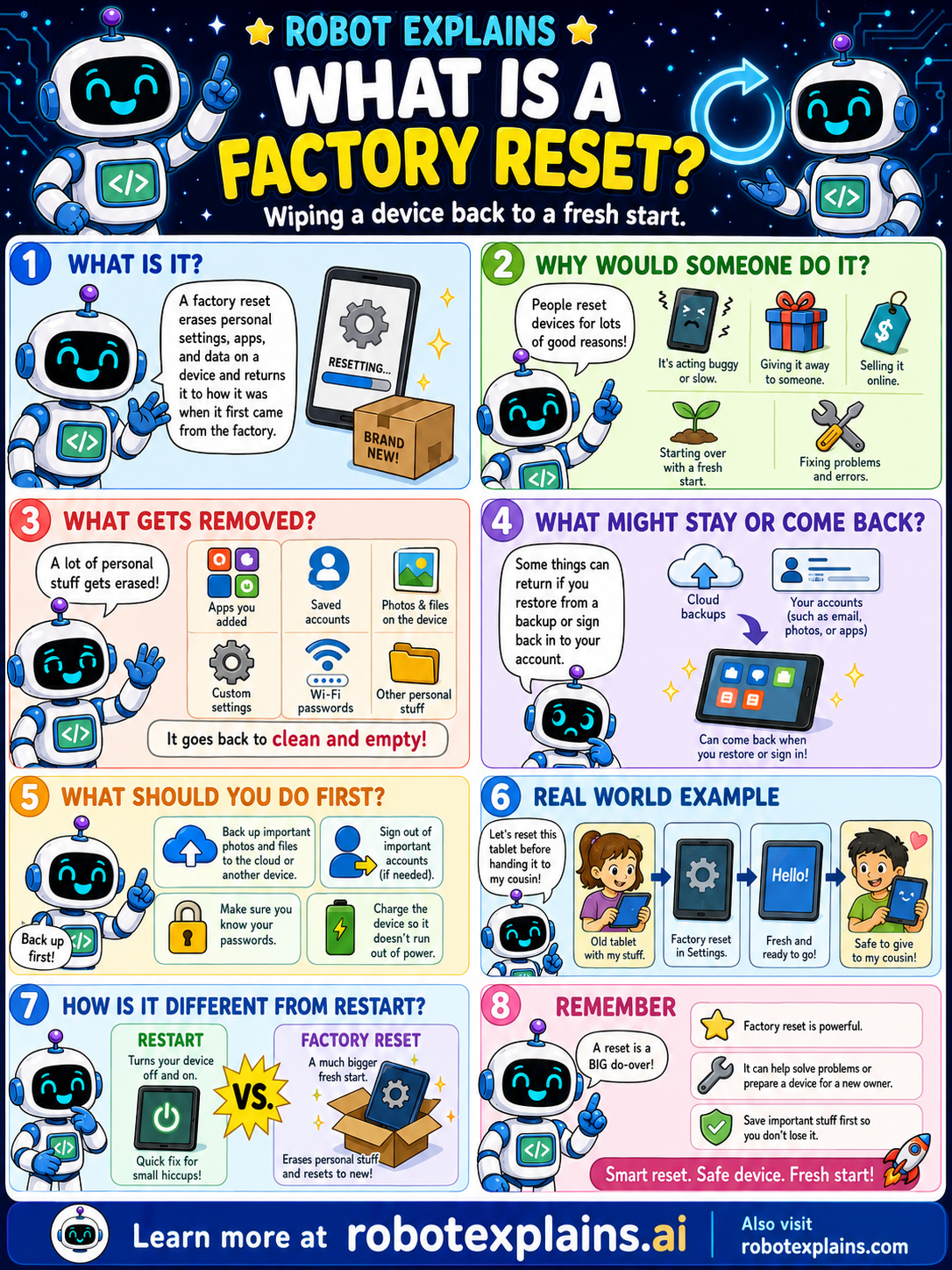
A factory reset erases the personal settings, apps, and data on a device and returns it to how it was when it first came from the factory. Brand new!
Why would someone do it? Lots of good reasons: the device is acting buggy or slow, you want a fresh start, you're giving it away or selling it, or you're fixing problems and errors.
What gets removed? A lot of personal stuff: apps you added, saved accounts, photos and files on the device, custom settings, Wi-Fi passwords, and other personal items. It goes back to clean and empty.
What might stay or come back? Some things can return if you restore from a backup or sign back in to your account, like cloud backups and your accounts (email, photos, or apps). You can bring things back when you restore or sign in.
What should you do first? Back up important photos and files (to the cloud or another device), make sure you know your passwords, charge the device so it doesn't run out of power, and sign out of important accounts if needed. Back up first!
Here's a real example. An old tablet is being handed to a cousin. You do a factory reset in Settings, it becomes fresh and ready to go, and it's safe to give away.
Restart vs factory reset: a restart just turns your device off and on, a quick fix for small hiccups. A factory reset is a much bigger fresh start that erases your personal stuff and resets to new.
Remember: a factory reset is a BIG do-over, it can help solve problems or prepare a device for a new owner, and you should save important stuff first so you don't lose it. Smart reset, safe device, fresh start!
What to remember
- A factory reset wipes a device back to like-new.
- It removes your apps, accounts, files, and settings.
- Back up your important stuff first!
- Great for fixing big problems or giving a device away.
Words to know
- Factory reset
- Wiping a device back to its new state.
- Backup
- A saved copy of your important data.
- Restore
- Bringing data back from a backup.
- Wipe
- Erasing the data on a device.
For grown-ups
A factory reset erases user data, apps, accounts, and settings, returning a device to its out-of-box state. It's used to fix persistent issues or to safely hand off or dispose of a device. Always back up first and sign out of accounts; cloud backups and re-sign-in can restore data afterward.
Want the full story? These go deeper: