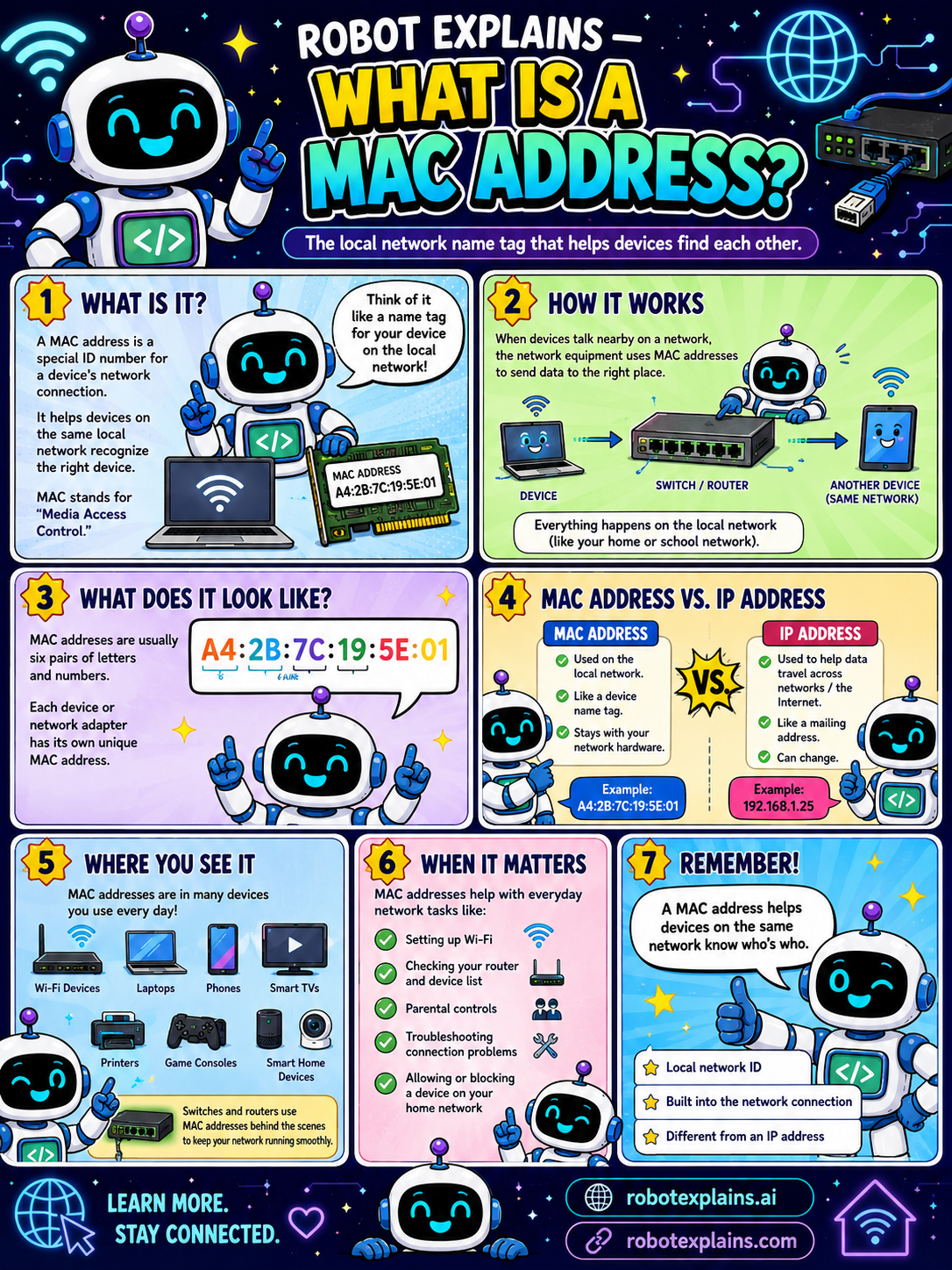
A MAC address is a special ID number for a device's network connection. It helps devices on the same local network recognize the right device. MAC stands for "Media Access Control." Think of it like a name tag for your device on the local network.
How does it work? When devices talk nearby on a network, the network equipment uses MAC addresses to send data to the right place, from one device, through a switch or router, to another device on the same network. Everything happens on the local network.
What does it look like? Usually six pairs of letters and numbers, like A4:2B:7C:19:5E:01. Each device or network adapter has its own unique MAC address.
MAC address vs IP address: a MAC address is for the local network, like a device name, and stays with your network hardware. An IP address is used to help data travel across the internet, like a mailing address, and it can change.
Where do you see it? On Wi-Fi devices, laptops, phones, smart TVs, printers, game consoles, and smart home devices.
When does it matter? Setting up Wi-Fi, checking your router or device list, parental controls, troubleshooting connection problems, and allowing or blocking a device on your home network.
Remember: a MAC address helps devices on the same network know who's who, it's a local network ID, it's built into the network connection, and it's different from an IP address.
What to remember
- A MAC address is a device's ID on the local network.
- It helps nearby devices find the right one.
- It's built into the network hardware and stays put.
- An IP address travels the internet; a MAC address stays local.
Words to know
- MAC address
- A device's ID for its network connection.
- Local network
- The devices connected in one place.
- IP address
- The address used to travel the internet.
- Network adapter
- The part of a device that connects to a network.
For grown-ups
A MAC address is a hardware identifier on a network interface, used for delivery on the local link (Layer 2). Unlike an IP address (Layer 3, routable and changeable), it's tied to the adapter and stays local. It's used for Wi-Fi setup, device lists, and access controls, though modern devices may randomize it for privacy.
Want the full story? These go deeper: