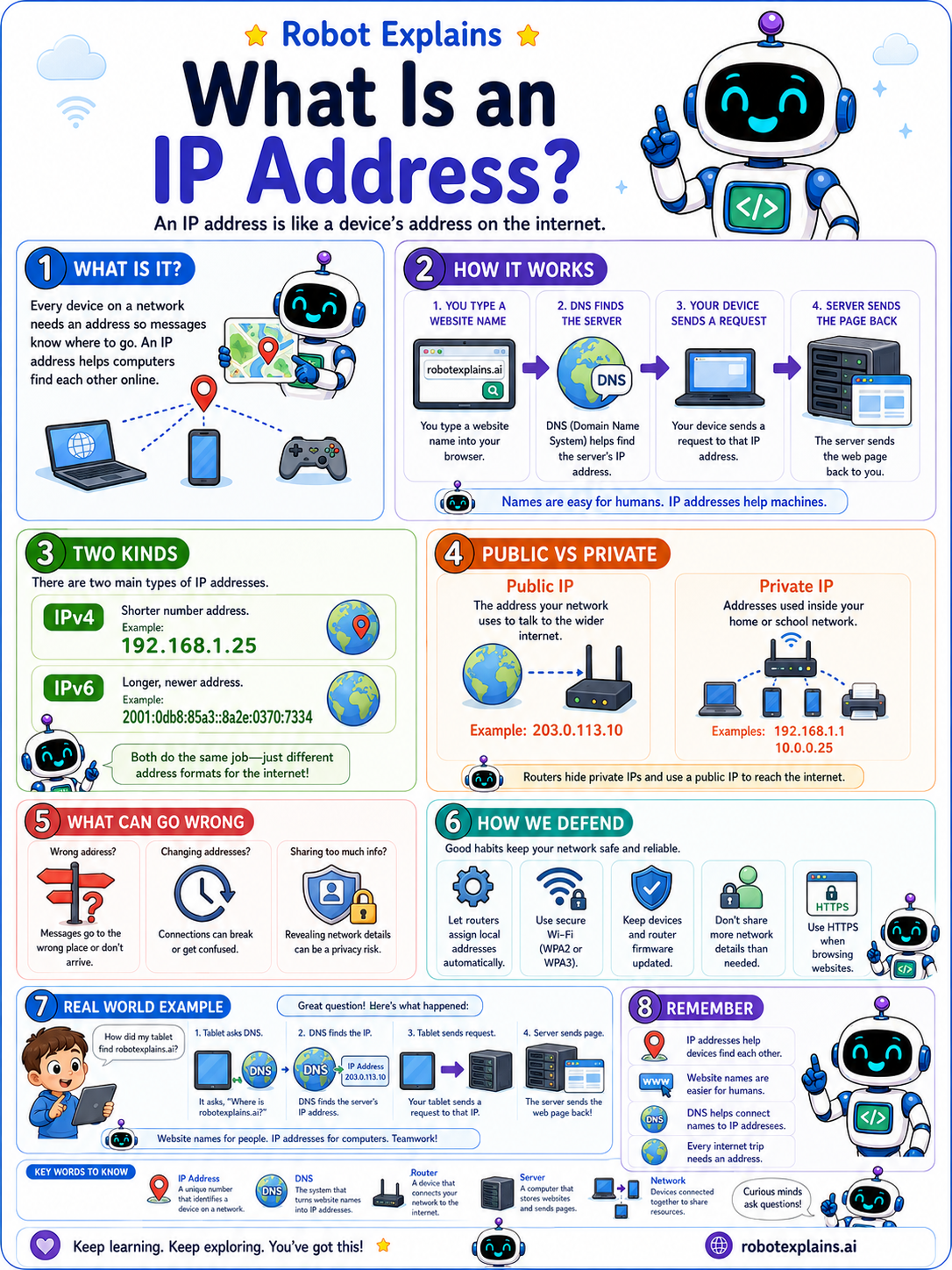
Every device on a network, like your phone, laptop, or game console, needs an address. That way, messages know exactly where to go.
That address is called an IP address, and it is just a number, like 192.168.1.25.
When you type a website name, DNS finds the website's IP address. Then your device sends a request to that address, and the server sends the page back to your address.
There are two main styles. IPv4 uses shorter numbers like 192.168.1.25. IPv6 is newer and much longer, because the world ran out of short ones.
Your address can also be public or private. Your home network has one public address out on the internet, and private addresses for each device inside.
So an IP address is simply how computers find each other, the same way a street address helps mail find your house.
What to remember
- An IP address is a device's address on a network.
- It is how messages know which computer to go to.
- Names are easy for humans; IP addresses are for machines.
- DNS connects an easy name to the right IP address.
Words to know
- IP address
- A number that points to a device on a network, like 192.168.1.25.
- IPv4 and IPv6
- Two styles of IP address. IPv6 is newer and has room for many more.
- Public IP
- The address your network uses out on the wider internet.
- Private IP
- An address used just inside your home or school network.
For grown-ups
An IP address identifies a host on a network so packets can be routed to it. IPv4 is running out of space, so IPv6 adds a vastly larger pool. Home networks share one public IP and hand out private addresses internally (NAT). DNS is the layer that maps friendly names to these numbers.
Want the full story? These go deeper: