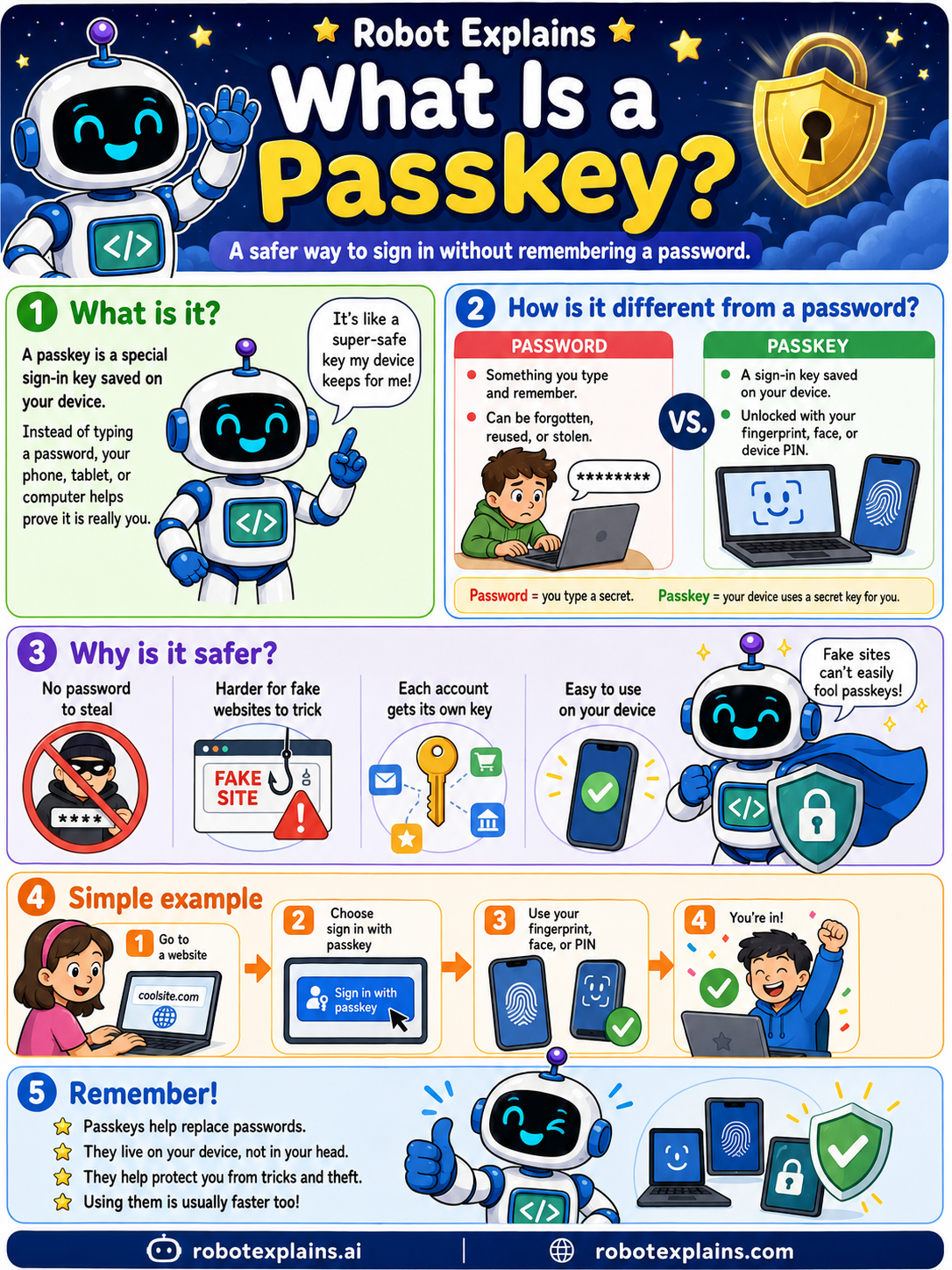
A passkey is a safer way to sign in, without remembering a password.
A passkey is a special sign-in key saved on your device. Instead of typing a password, your phone, tablet, or computer helps prove it is really you.
How is it different from a password? A password is something you type and remember, and it can be forgotten, reused, or stolen. A passkey is a key saved on your device, unlocked with your fingerprint, face, or PIN.
Why is it safer? There is no password to steal, it is much harder for fake sites to trick, each account gets its own key, and it is easy to use.
Here is a simple example. You go to a website, choose "sign in with passkey," use your fingerprint, face, or PIN, and you are in.
Remember: passkeys help replace passwords, they live on your device, they protect you from tricks and theft, and they are usually faster too.
What to remember
- A passkey is a sign-in key saved on your device.
- You unlock it with your fingerprint, face, or PIN.
- Nothing to type means nothing to steal or reuse.
- Fake sites cannot trick a passkey.
Words to know
- Passkey
- A passwordless sign-in key stored on your device.
- Biometric
- Using your fingerprint or face to unlock.
- Phishing-resistant
- Hard for fake sites to trick.
- Device
- The phone or computer that holds the key.
For grown-ups
Passkeys are FIDO2/WebAuthn credentials: a private key stays on your device and unlocks with a biometric or PIN, while only a public key is shared with the site. There is no shared secret to phish, reuse, or breach, which makes them strongly phishing-resistant and a real upgrade over passwords.
Want the full story? These go deeper: