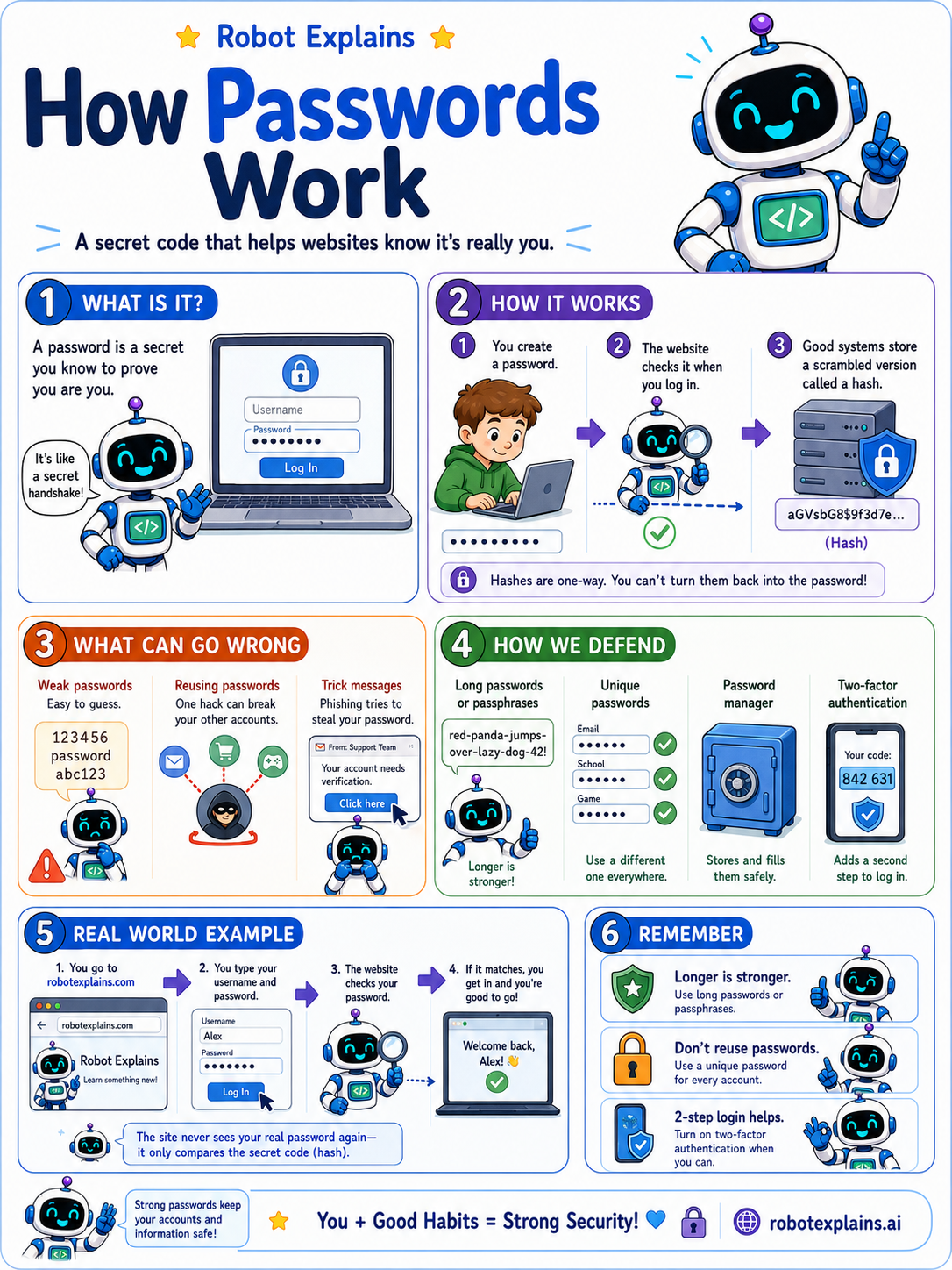
A password is a secret that only you should know. It proves to a website that you are really you.
When you make an account, you pick a password. Later, when you log in, the website checks that you typed the same one.
Here is a clever part: good websites do not actually keep your real password. They store a scrambled version called a hash. A hash is one-way, so even the website cannot turn it back into your password.
Passwords can go wrong, though. Short ones are easy to guess. Reusing the same password everywhere means one leak can unlock all your accounts. And tricky messages try to fool you into typing your password on a fake site.
So the rules are simple. Make passwords long, because a short sentence (a passphrase) is strong and easy to remember. Use a different one for each account. A password manager can remember them all for you.
And when you can, turn on a second step (MFA), so a password alone is never enough.
What to remember
- A password is a secret that proves an account is yours.
- Longer is stronger, and a passphrase is great.
- Never reuse the same password across sites.
- Good sites store a scrambled hash, not your real password.
Words to know
- Password
- A secret you use to prove who you are.
- Passphrase
- A few words used together as a long, strong password.
- Hash
- A scrambled, one-way version of a password that sites store.
- Password manager
- An app that creates and remembers strong passwords for you.
For grown-ups
Strong authentication starts with length and uniqueness: long passphrases, never reused, ideally generated and stored in a password manager. Sites should store salted, slow hashes, never plaintext. Pairing passwords with MFA means a single leaked credential is not enough to take over an account.
Want the full story? These go deeper: