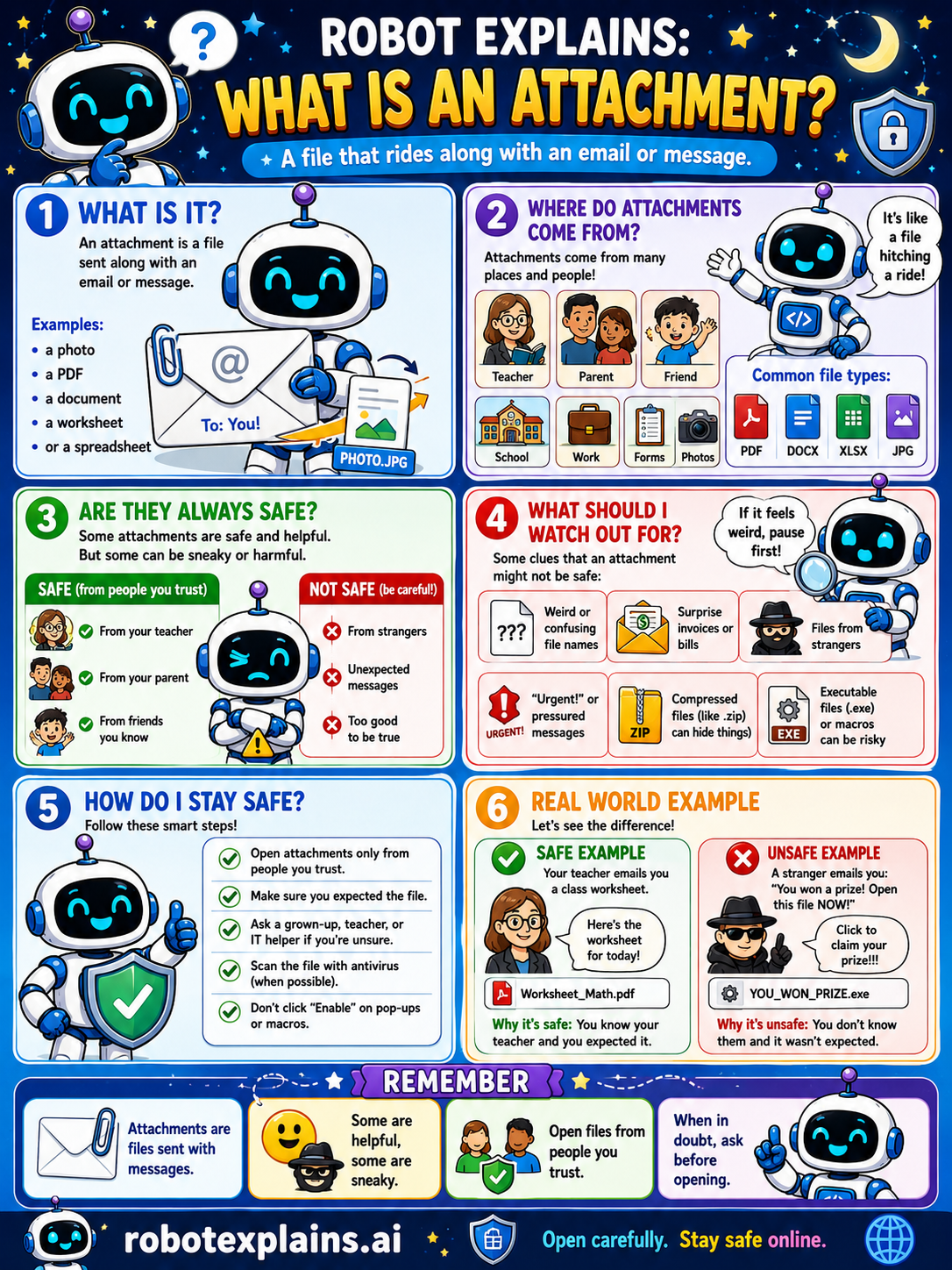
An attachment is a file that is sent along with an email or message, like a photo, a PDF, a document, a worksheet, or a spreadsheet.
Think of it like a file hitching a ride. Attachments come from all kinds of people: teachers, parents, friends, and sometimes strangers.
Are they always safe? No. Attachments from people you trust are usually fine. But attachments from strangers, or unexpected ones, or anything too good to be true, deserve caution.
Watch out for weird or confusing file names, surprise invoices or bills, files from strangers, "urgent" or pressured messages, and zipped or program files that can hide things.
To stay safe: open attachments only from people you trust, make sure you expected the file, ask a grown-up if you are not sure, scan with antivirus when you can, and do not click "Enable" on pop-ups or macros.
Remember: attachments are files sent with messages. Some are helpful, some are sneaky, so open files from people you know, and when in doubt, ask first.
What to remember
- An attachment is a file sent with an email or message.
- Files from people you trust are usually safe.
- Strangers, surprises, and 'too good to be true' mean caution.
- When in doubt, ask a grown-up before opening.
Words to know
- Attachment
- A file sent along with an email or message.
- File type
- What kind of file it is, like PDF, DOCX, or JPG.
- Macro
- A mini-program inside a file that can be risky.
- Antivirus
- Software that scans files for malware.
For grown-ups
Email attachments are a primary malware delivery vector. Risky types include executables and macro-enabled Office documents; 'enable content' prompts are a common trap. The rule: only open expected attachments from known senders, verify out-of-band if unsure, and rely on scanning and disabled macros by default.
Want the full story? These go deeper: