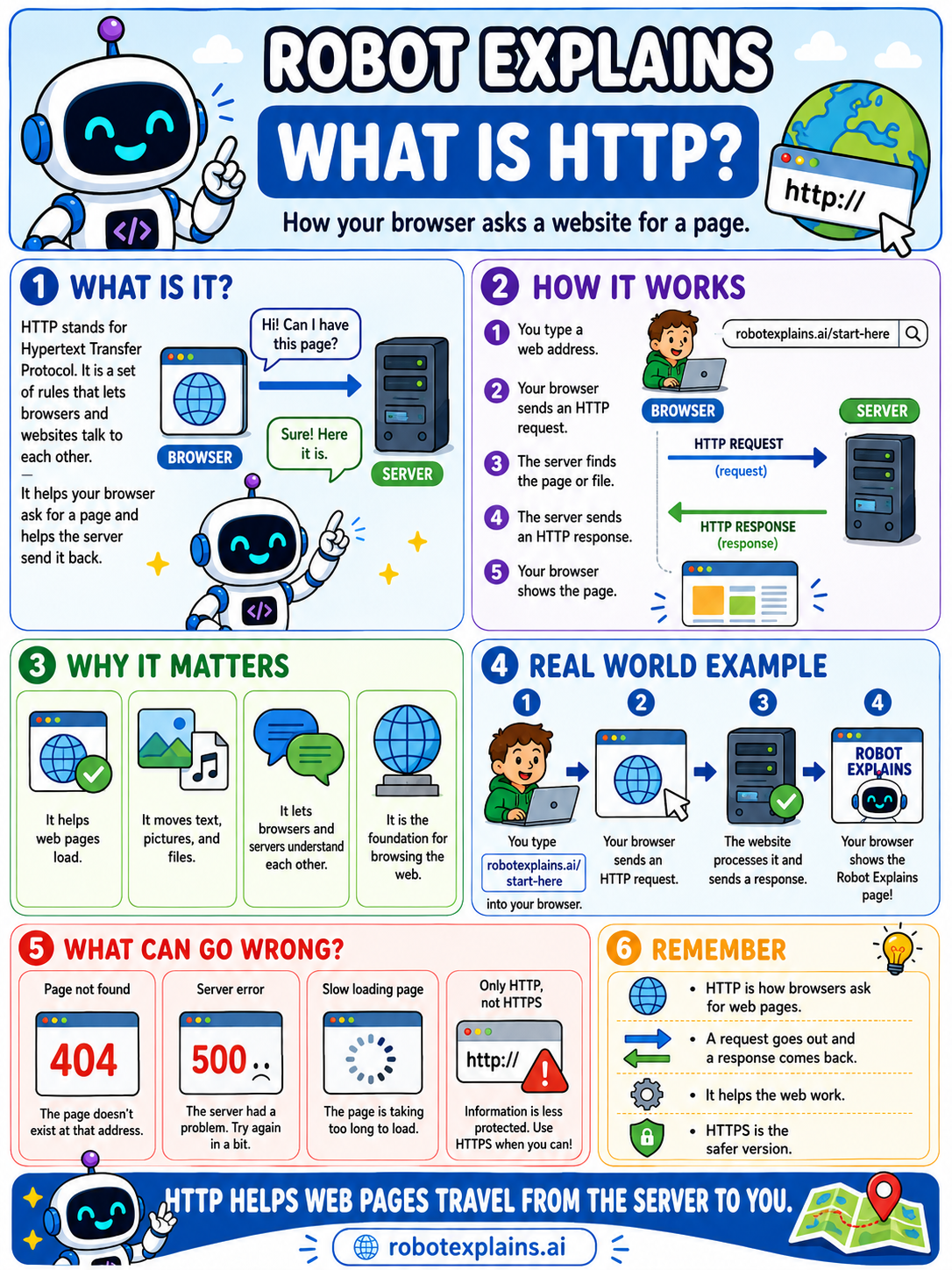
When your browser wants a web page, it has to ask for it. HTTP is the language it uses to ask.
HTTP stands for HyperText Transfer Protocol. That is a fancy way of saying "the rules browsers and websites use to talk to each other."
Here is the back-and-forth. You type a web address. Your browser sends an HTTP request that means, "Can I have this page, please?" The server finds the page and sends an HTTP response with it. Your browser shows you the page.
Request out, response back. That simple pattern happens every single time you open a page.
Sometimes the answer is not the page. If you have ever seen a 404, that is the server saying, "I could not find that page."
One more thing: HTTPS is HTTP with a lock on it. The little s means your conversation is private, which is why it is the safer version to look for.
What to remember
- HTTP is how browsers ask websites for a page.
- A request goes out, and a response comes back.
- It is the foundation for browsing the web.
- HTTPS is the safer, private version of HTTP.
Words to know
- HTTP
- HyperText Transfer Protocol, the rules browsers and servers use to talk.
- Request
- The message your browser sends to ask for a page.
- Response
- The reply the server sends back, with the page.
- HTTPS
- HTTP with encryption, so the conversation stays private.
For grown-ups
HTTP is a request/response protocol: the client sends a method (GET, POST, and so on) with headers, and the server returns a status code and body. HTTPS wraps it in TLS for confidentiality and integrity. Status codes like 404 (not found) and 500 (server error) are part of the same conversation.
Want the full story? These go deeper: