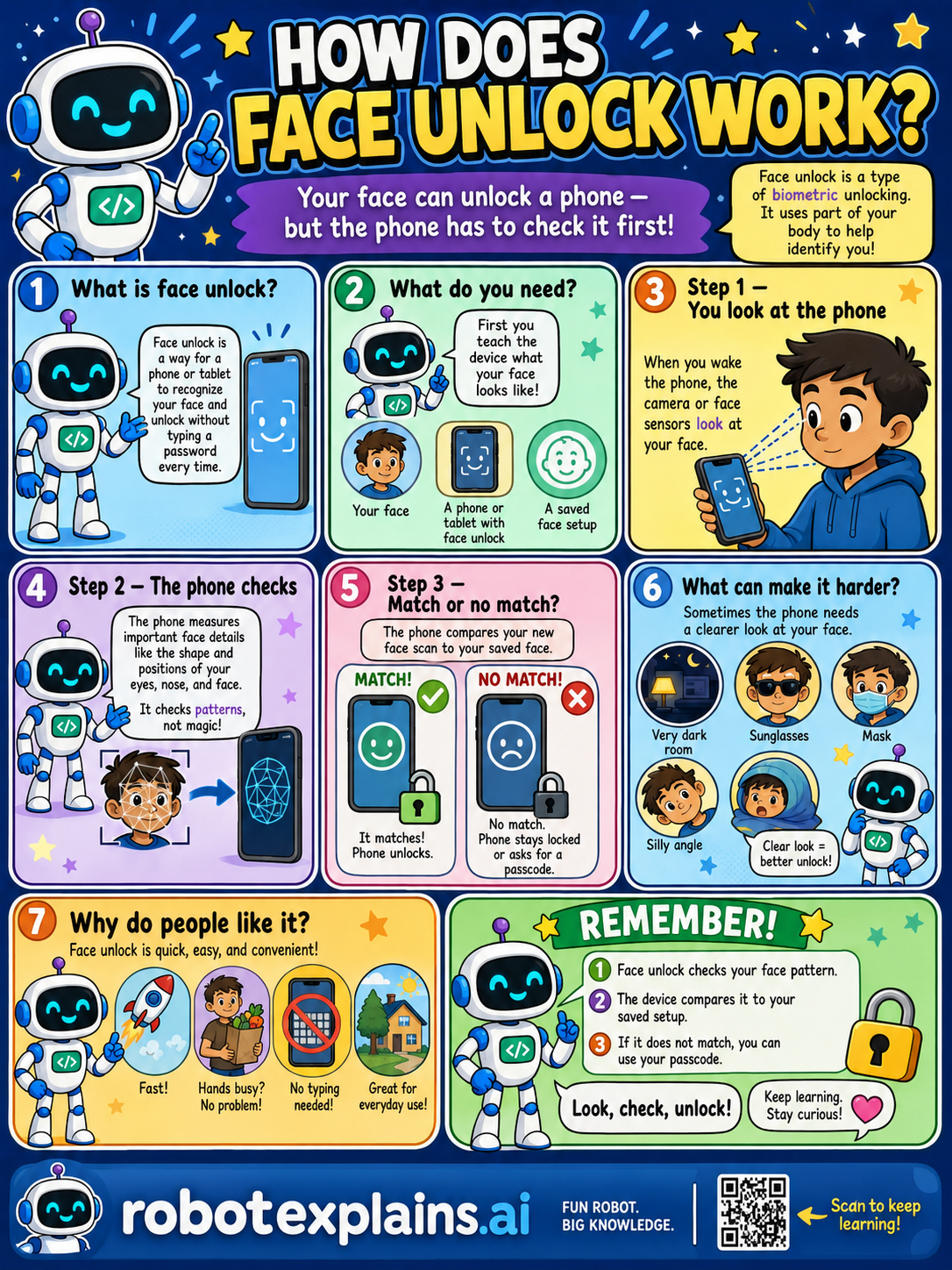
Your face can unlock a phone, but the phone has to check it first! Let's see how face unlock works.
What is face unlock? Face unlock is a way for a phone or tablet to recognize your face and unlock without typing a password every time. It's a type of biometric unlock, it uses part of your body to identify you.
What do you need? First, you teach the device what your face looks like, your face, a phone or tablet with face unlock, and a saved face setup.
Step 1, you look at the phone. When you wake the phone, the camera or face sensors look at your face.
Step 2, the phone checks. The phone measures important face details like the shape and positions of your eyes, nose, and face. It checks patterns, not magic!
Step 3, match or no match? The device compares your new face scan to your saved face. Match: it matches, the phone unlocks. No match: the phone stays locked, or asks for a passcode.
What can make it harder? Sometimes the phone needs a clearer look at your face, like a very dark room, sunglasses, a mask, or a silly angle. A clear look makes for a better unlock.
Why do people like it? Face unlock is quick, easy, and convenient, fast, good when hands are busy, no typing needed, and great for everyday use.
Remember: face unlock checks your face pattern, the device compares it to your saved setup, and if it doesn't match, you can use your passcode. Look, check, unlock!
What to remember
- Face unlock checks your face pattern.
- The device compares it to your saved setup.
- It unlocks only if they match.
- If it doesn't match, you can use your passcode.
Words to know
- Face unlock
- Unlocking a device by looking at it.
- Biometric
- Using your body, like your face or fingerprint.
- Sensor
- The part that looks at and measures your face.
- Passcode
- A backup number code to unlock the device.
For grown-ups
Face unlock is biometric authentication: at setup the device builds a mathematical model of your facial features (stored locally, not as a photo); at unlock, its camera/sensors capture your face and compare it to that model, unlocking on a match. Lighting, angle, and coverings can reduce matches, which is why a passcode fallback exists. Mechanism first; the biometric-safety lesson covers the cautions.
Want the full story? These go deeper: