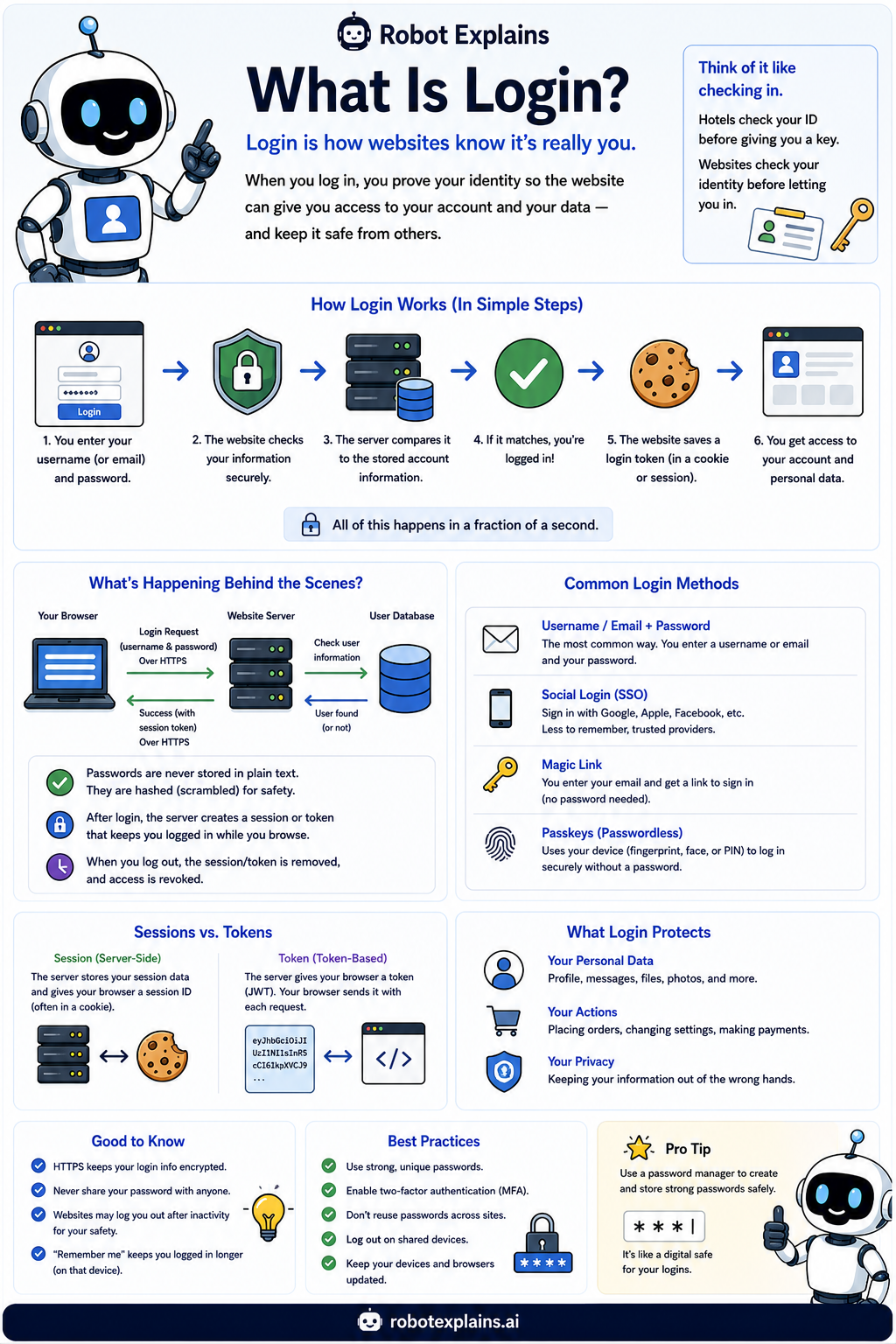
Logging in is how a website makes sure it is really you before it shows your account.
You type your username and password. The website checks them against what it has stored. If they match, you are in.
To save you from typing your password on every single page, the site hands your browser a little pass called a session or token. While you have it, you stay logged in.
When you log out, that pass is thrown away, so no one else on that device can sneak into your account.
There is more than one way to log in. A username and password is the classic. Single sign-on (SSO) lets you use one trusted account, like signing in with Google. Magic links email you a one-time link. And passkeys use your device to log in with no password at all.
A few habits keep your login safe: use a unique password, turn on MFA, never share your login, and always log out on shared devices.
What to remember
- Login proves it is really you before you get in.
- The site checks your password against a stored, hashed version.
- A session or token keeps you logged in until you log out.
- Use MFA and always log out on shared devices.
Words to know
- Login
- Proving who you are to get into your account.
- Session / token
- A temporary pass that keeps you logged in.
- SSO
- Single sign-on: using one trusted account to log into others.
- Passkey
- A passwordless login that uses your device.
For grown-ups
Authentication verifies identity: the server compares a submitted credential against a stored hash, then issues a session (server-side) or token (such as a signed cookie or JWT) to maintain state. Modern options like SSO and passkeys (FIDO2/WebAuthn) cut password risk, and logging out plus short session lifetimes limit exposure on shared devices.
Want the full story? These go deeper: