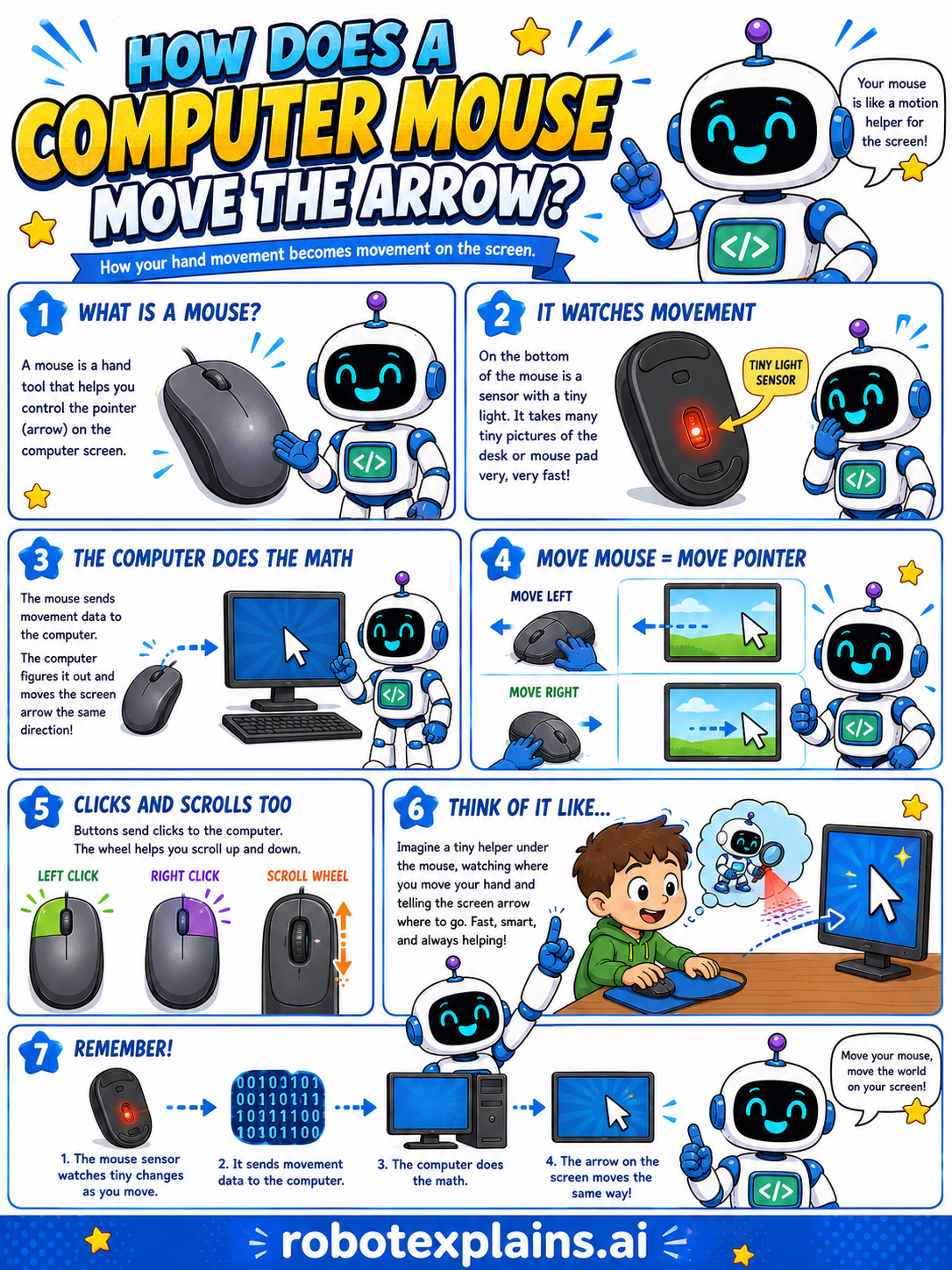
A computer mouse is like a motion helper for the screen. When you move it, the arrow (cursor) moves too. How?
What is a mouse? A mouse is a hand tool that helps you control the arrow on the computer screen.
It watches movement. On the bottom of the mouse is a sensor and a tiny light. It takes many tiny pictures of the desk or mouse pad very, very fast, and notices how things change.
The computer does the math. The mouse sends that movement data to the computer. The computer figures it out and moves the screen arrow in the same direction.
Move mouse, move pointer. Move the mouse left, the arrow goes left. Move it right, the arrow goes right.
Clicks and scrolls too. The buttons send clicks to the computer, and the wheel helps you scroll up and down.
Think of it like a tiny helper under the mouse, watching where you move your hand and telling the screen arrow to go. Fast, smart, and always helping!
Remember: the mouse sensor watches tiny changes as you move, it sends movement data to the computer, the computer does the math, and the arrow on the screen moves to match. Move your mouse, move the world on your screen!
What to remember
- A mouse watches tiny changes as you move it.
- It sends that movement to the computer.
- The computer does the math to move the arrow.
- The arrow on the screen moves to match your hand.
Words to know
- Mouse
- A hand tool that controls the arrow on screen.
- Sensor
- The part that watches how the mouse moves.
- Cursor
- The arrow on the screen that the mouse moves.
- Click
- Pressing a mouse button to choose something.
For grown-ups
An optical mouse images the surface beneath it many times per second using a small light and sensor, computes the motion between frames, and reports relative movement to the computer, which translates it into cursor movement on screen. Buttons send click events and the wheel sends scroll events. The kid-level idea: the mouse watches how it moves, and the computer moves the arrow to match.
Want the full story? These go deeper: