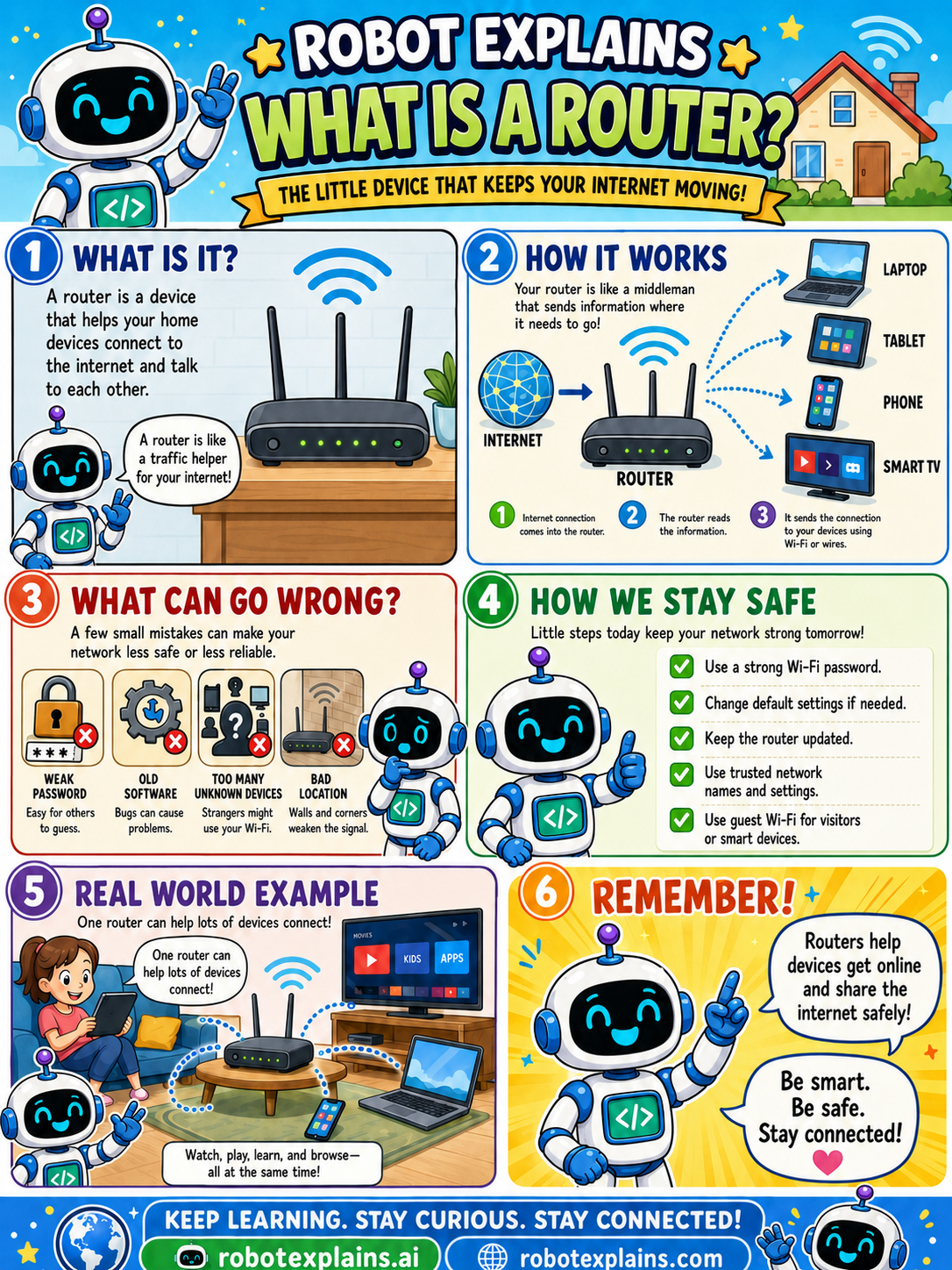
A router is a device that your home gadgets connect to so they can reach the internet and talk to each other. A router is a traffic helper for your internet!
How does it work? Your router is like a middleman that sends information where it needs to go. The internet connection comes into the router, the router reads the information, and it sends the connection out to your devices, by Wi-Fi or wires, like your laptop, tablet, phone, and smart TV.
What can go wrong? A few small mistakes can make your network less safe or less reliable: a weak password (easy for others to guess), old software (bugs can cause problems), too many unknown devices (strangers might use your Wi-Fi), or a bad location (walls and corners weaken the signal).
How do we stay safe? Use a strong Wi-Fi password, change default settings if needed, keep the router updated, use trusted network names and settings, and use guest Wi-Fi for visitors or smart devices.
Here is a real example. One router can help lots of devices connect at once, so you can watch, play, learn, and browse all at the same time.
Remember: routers help devices get online and share the internet safely. Be smart, be safe, stay connected!
What to remember
- A router connects your devices to the internet and each other.
- It directs data to the right device, by Wi-Fi or wires.
- Use a strong Wi-Fi password and keep it updated.
- Use guest Wi-Fi for visitors and smart devices.
Words to know
- Router
- The device that connects your home to the internet.
- Wi-Fi
- Wireless internet from your router.
- Default settings
- Starter settings, change the password.
- Signal
- The Wi-Fi reach a router provides.
For grown-ups
A router connects your local network to the internet and forwards traffic between your devices and the wider net (and between devices at home). Securing it, strong admin and Wi-Fi passwords, firmware updates, and a separate guest/IoT network, is one of the highest-impact home-network steps.
Want the full story? These go deeper: