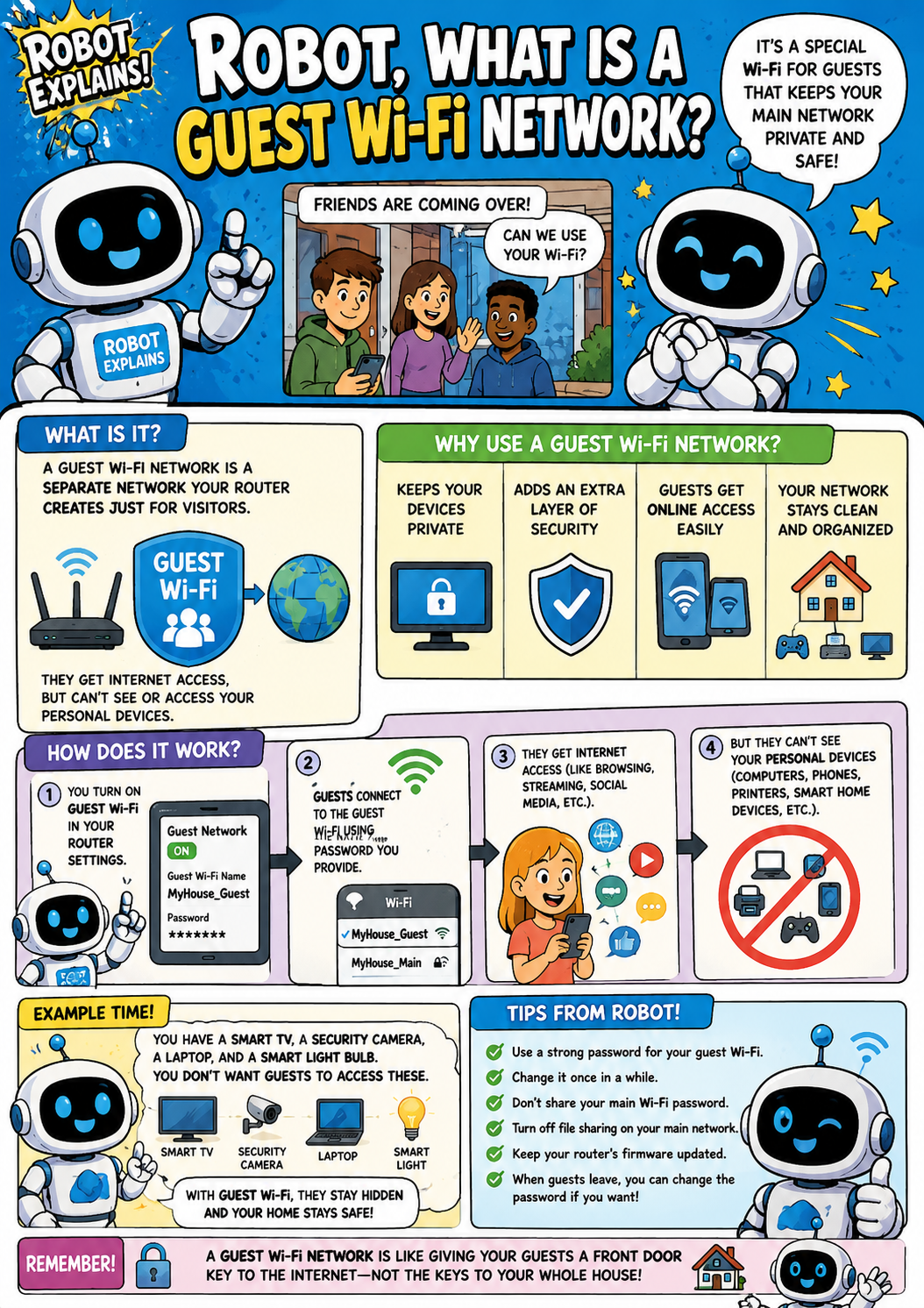
A guest Wi-Fi network is a separate network your router creates just for visitors. It's a special Wi-Fi for guests that keeps your main network private and safe. Guests get internet access, but they can't see or reach your personal devices.
Why use one? It keeps your devices private, adds an extra layer of security, lets guests get online easily, and keeps your network clean and organized.
How does it work? You turn on guest Wi-Fi in your router settings. Guests connect to the guest network with the password you provide. They get internet access for the web, streaming, and social media. But they can't see your personal devices, like your computers, phones, printers, and smart-home gear.
Here is an example. You have a smart TV, a security camera, a laptop, and a smart light bulb. You don't want guests to access these. With guest Wi-Fi, they stay hidden and your home stays safe.
Tips: use a strong password for your guest Wi-Fi, change it once in a while, turn off file sharing on your main network, keep your router's firmware updated, and change the guest password after visitors leave if you want.
Remember: a guest Wi-Fi network is like giving your guests a front-door key to the internet, not the keys to your whole house!
What to remember
- Guest Wi-Fi is a separate network just for visitors.
- Guests get internet, but can't reach your devices.
- It keeps your main network private and organized.
- Use a strong guest password and change it now and then.
Words to know
- Guest Wi-Fi
- A separate visitor network from your router.
- Main network
- Where your own devices connect.
- Router
- The box that creates your Wi-Fi networks.
- Network isolation
- Keeping guests away from your devices.
For grown-ups
A guest Wi-Fi network is a separate SSID your router provides that gives internet access while isolating guests (and often IoT devices) from your primary LAN. It limits lateral access to your personal computers, files, and smart-home gear, a simple, high-value home-network control.
Want the full story? These go deeper: