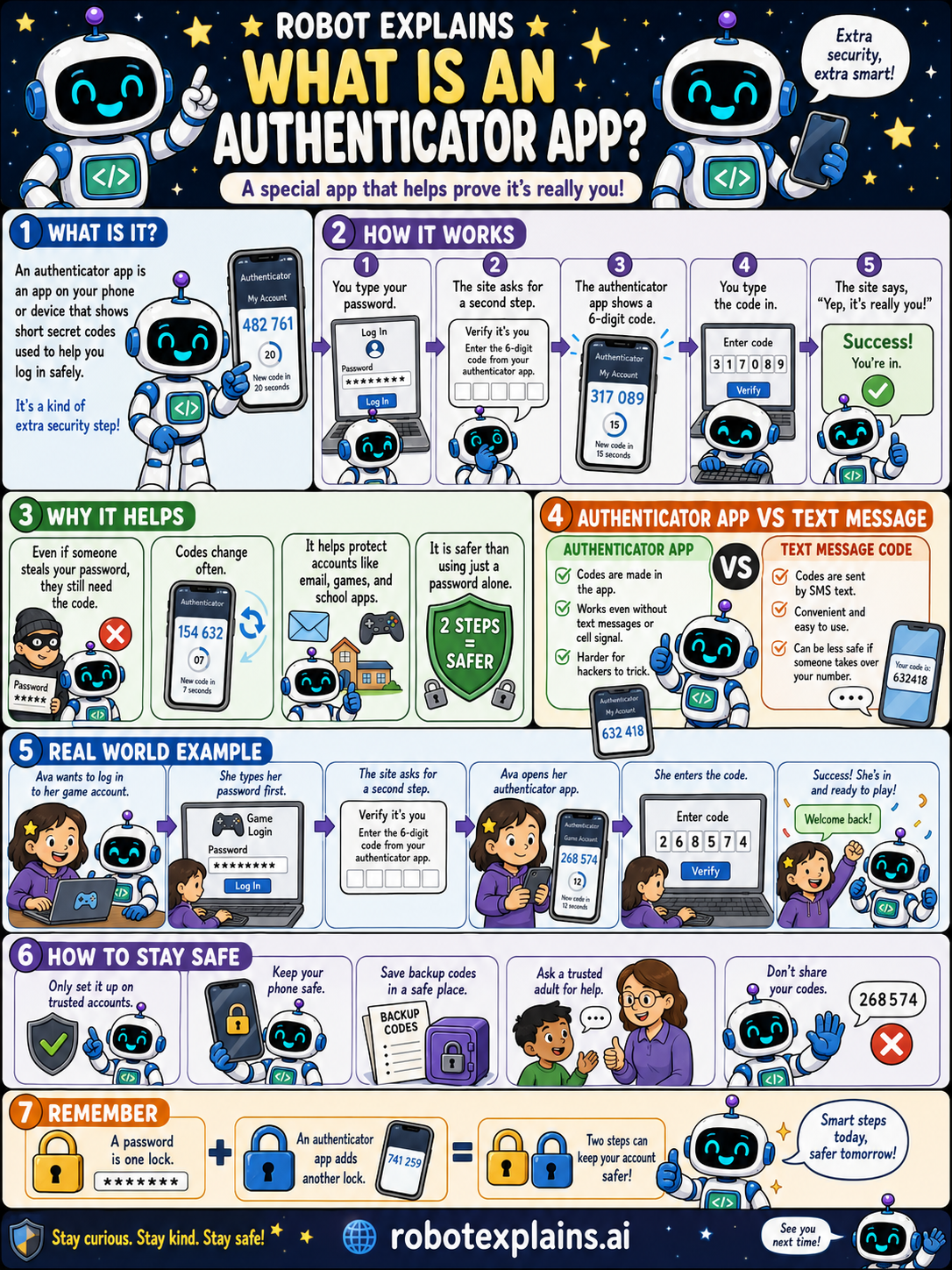
An authenticator app is a special app on your phone or device that shows short secret codes used to help you log in safely. It is a kind of extra security step that helps prove it is really you.
How does it work? You type your password, the site asks for a second step, the authenticator app shows a 6-digit code, you type the code, and the site says, "Yep, it's really you!" You're in.
Why does it help? Even if someone steals your password, they still need the code, and the codes change often. It protects important apps like email, bank, and school accounts. Two steps are safer than one.
How is it different from a text-message code? Authenticator app codes are made right on your device, work even without text messages or a cell signal, and are harder for hackers to trick. Text-message codes are convenient, but they can be less safe if someone takes over your phone number.
Here is a real example. Ava wants to log in to her game account. The site asks for her password, then asks for her authenticator app code. She opens the app, enters the 6-digit code, and, welcome back, she's ready to play.
How do you stay safe? Only set it up on trusted accounts, keep your phone safe, save your backup codes in a safe place, ask a trusted adult for help, and never share your codes.
Remember: a password is one lock, and an authenticator app adds another lock. Two steps keep your account safer, smart steps today, safer tomorrow.
What to remember
- An authenticator app shows short secret codes for logging in.
- It is a second step after your password.
- The codes change often, so a stolen password is not enough.
- Keep your phone safe and never share your codes.
Words to know
- Authenticator app
- An app that shows secret login codes.
- Code
- A short number that changes every so often.
- Second step
- An extra check after your password.
- Backup codes
- Spare codes to use if you lose your phone.
For grown-ups
An authenticator app generates time-based one-time passwords (TOTP), short codes that rotate every ~30 seconds, as a second factor (MFA). It is stronger than SMS codes, which can be intercepted or stolen via SIM-swapping, because the codes are generated on-device and work offline. Save backup codes somewhere safe.
Want the full story? These go deeper: