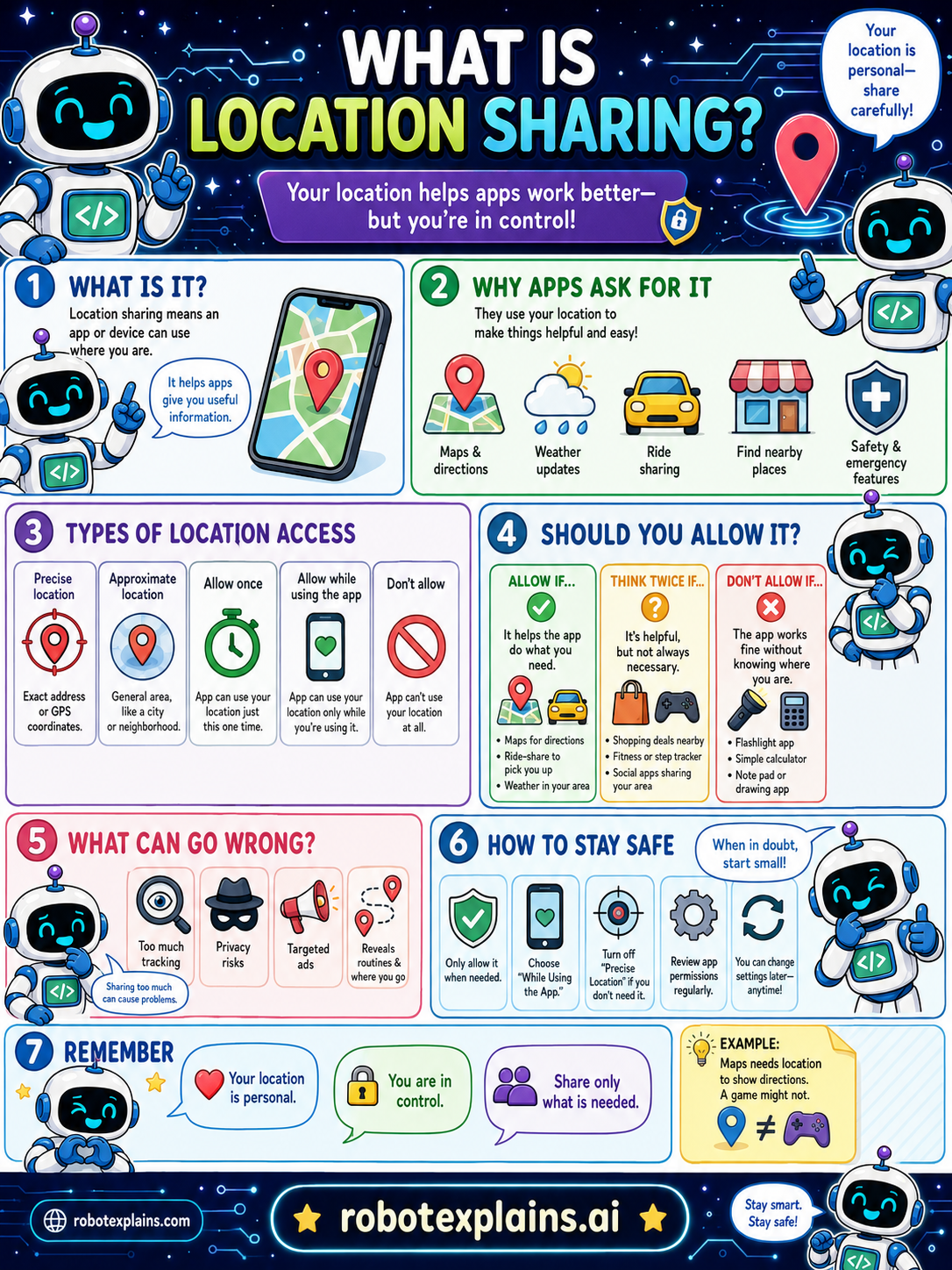
Location sharing means an app or device can use where you are. Your location helps apps work better, but you're in control! It helps apps give you useful information.
Why do apps ask for it? They use your location to make things helpful and easy, like maps and directions, weather updates, ride apps, finding nearby places, and safety and emergency features.
Types of location access: precise location (your exact address or GPS coordinates), approximate location (a general area, like a neighborhood), allow once (just this one time), allow while using the app (only while you're using it), and don't allow (the app can't use your location at all).
Should you allow it? Allow if it helps the app do what you need (maps, ride-share, weather). Think twice if it's helpful but not always necessary (social apps, step trackers). Don't allow if the app works fine without knowing where you are (a flashlight, calculator, or drawing app).
What can go wrong? Too much tracking, privacy risks, targeted ads, and revealing your habits and where you go. Sharing too much can reveal your patterns.
How to stay safe: only allow it when needed, choose "while using the app," turn off "precise location" if you don't need it, review app permissions regularly, and remember you can change the settings anytime.
Here's an example. A maps app needs your location to show directions, but a game might not. When in doubt, start small!
Remember: your location is personal, you are in control, and you should share only what is needed. Stay smart, stay safe.
What to remember
- Location sharing lets an app use where you are.
- It helps with maps, weather, and finding nearby places.
- Your location is personal, share only what's needed.
- Prefer 'while using the app' and turn off precise location if not needed.
Words to know
- Location sharing
- Letting an app use where you are.
- GPS
- The system that finds your exact location.
- Precise location
- Your exact spot, vs a general area.
- Permission
- Your choice to allow location access.
For grown-ups
Location sharing grants apps access to your device's position (precise GPS or approximate). It powers maps, weather, and safety features but enables tracking, profiling, and targeted ads if over-granted. Best practice: share only when needed, prefer 'while using the app,' disable precise location when not required, and review regularly.
Want the full story? These go deeper: