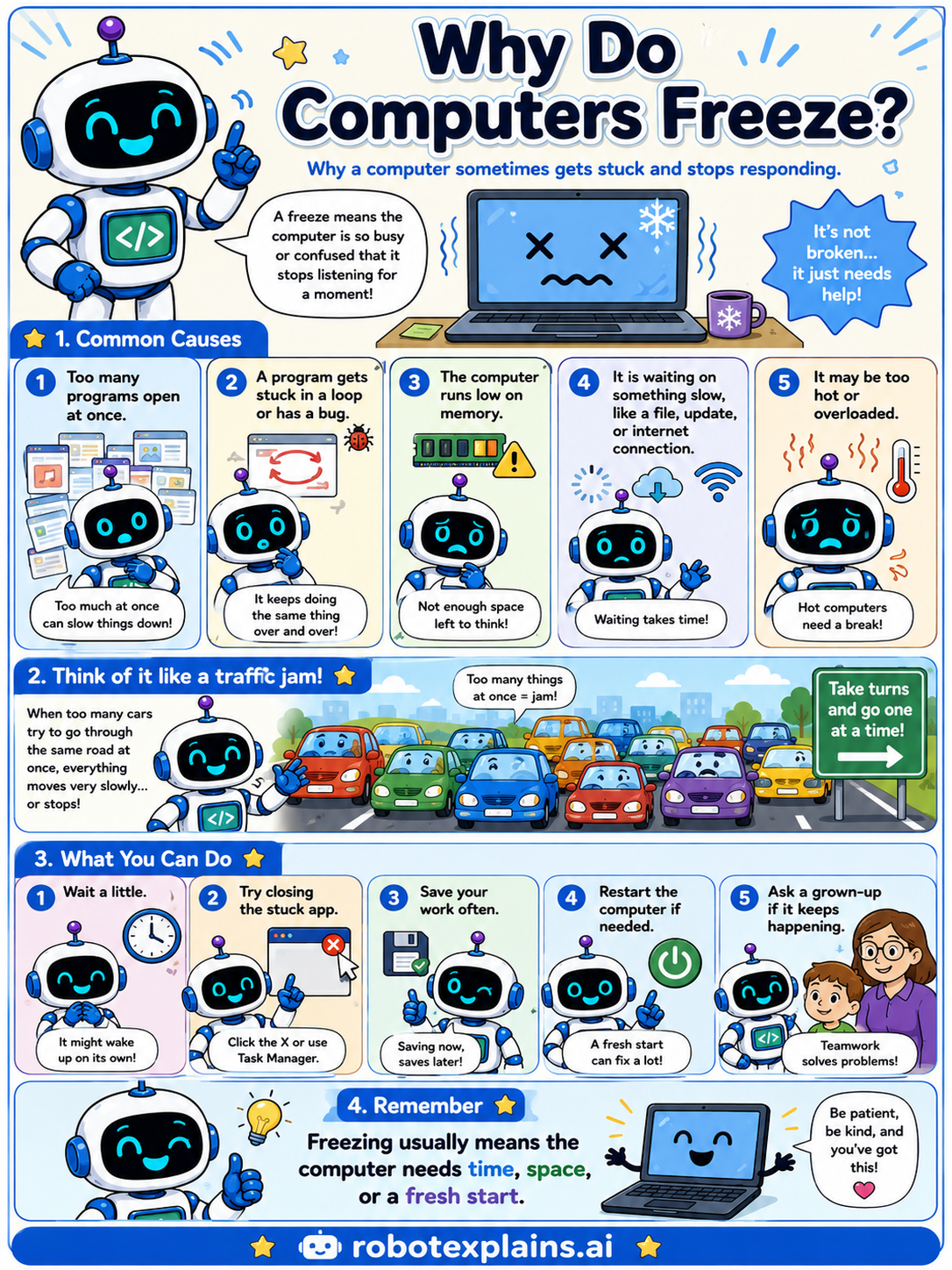
When a computer freezes, it means it is so busy or confused that it stops listening for a moment. It's not broken, it just needs help!
Common causes. A freeze can happen when too many programs are open at once, when a program gets stuck in a loop or has a bug, when the computer runs low on memory (its thinking space), when it is waiting on something slow like a file or the internet, or when it gets too hot.
Think of it like a traffic jam. When too many cars try to go through the same road at once, everything moves very slowly, or stops. The computer can feel the same way.
What you can do. Wait a little, it might wake up on its own. Try closing the stuck app. Save your work often. Restart the computer if needed. And ask a grown-up if it keeps happening.
Remember: freezing usually means the computer needs time, space, or a fresh start. Be patient, be kind, and you've got this!
What to remember
- A freeze means the computer stopped responding for a moment.
- Too many programs or low memory can cause it.
- A bug or too much heat can cause it too.
- Waiting, closing a stuck app, or restarting usually helps.
Words to know
- Freeze
- When a computer stops responding for a while.
- Memory
- The space a computer uses to think and work right now.
- Bug
- A mistake in a program that can cause problems.
- Restart
- Turning the computer off and on for a fresh start.
For grown-ups
A freeze is when a system stops responding to input. Common causes include resource exhaustion (CPU or RAM saturated by too many or runaway processes), software bugs and infinite loops, waiting on slow I/O (disk, network), and thermal throttling or overheating. Remedies escalate from waiting, to ending the unresponsive task, to a restart. The kid-friendly takeaway: a frozen computer is usually busy or confused, not broken.
Want the full story? These go deeper: