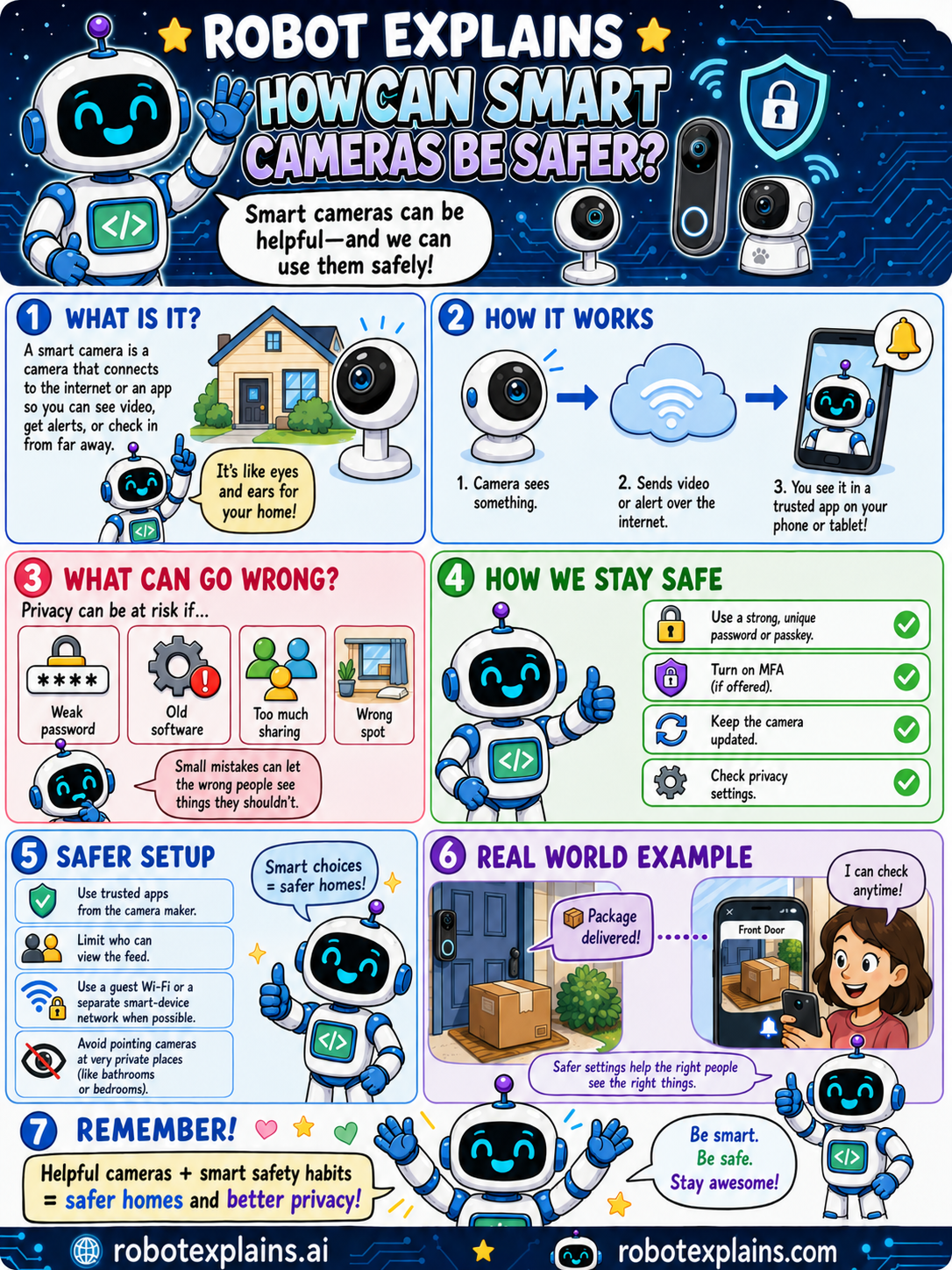
Smart cameras can be helpful, and we can use them safely!
What is it? A smart camera is a camera that connects to the internet or an app so you can see video, get alerts, or check in from far away. It's like eyes and ears for your home.
How does it work? The camera sees something, sends video or an alert over the internet, and you see it in a trusted app on your phone or tablet.
What can go wrong? Privacy can be at risk if there's a weak password, old software, too much sharing, or a camera in the wrong spot. Small mistakes can let the wrong people see things they shouldn't.
How do we stay safe? Use a strong, unique password or passkey, turn on MFA if it's offered, keep the camera updated, and check the privacy settings.
For a safer setup: use trusted apps from the camera maker, limit who can view the feed, use a guest Wi-Fi or separate smart-device network when possible, and avoid pointing cameras at very private places like bathrooms or bedrooms.
Here is a real example. A package is delivered and the camera lets you check the front door anytime. Safer settings help the right people see the right things.
Remember: helpful cameras plus smart safety habits equal safer homes and better privacy. Be smart, be safe, stay awesome!
What to remember
- A smart camera connects to the internet so you can check in.
- Use a strong, unique password and turn on MFA if offered.
- Keep the camera updated and check its privacy settings.
- Don't point cameras at very private places.
Words to know
For grown-ups
Internet-connected cameras are useful but are a privacy and security risk if misconfigured. Harden them: unique strong password (or passkey) and MFA, prompt firmware updates, manufacturer apps only, least-privilege sharing, placement that avoids private areas, and ideally a segregated guest/IoT network.
Want the full story? These go deeper: