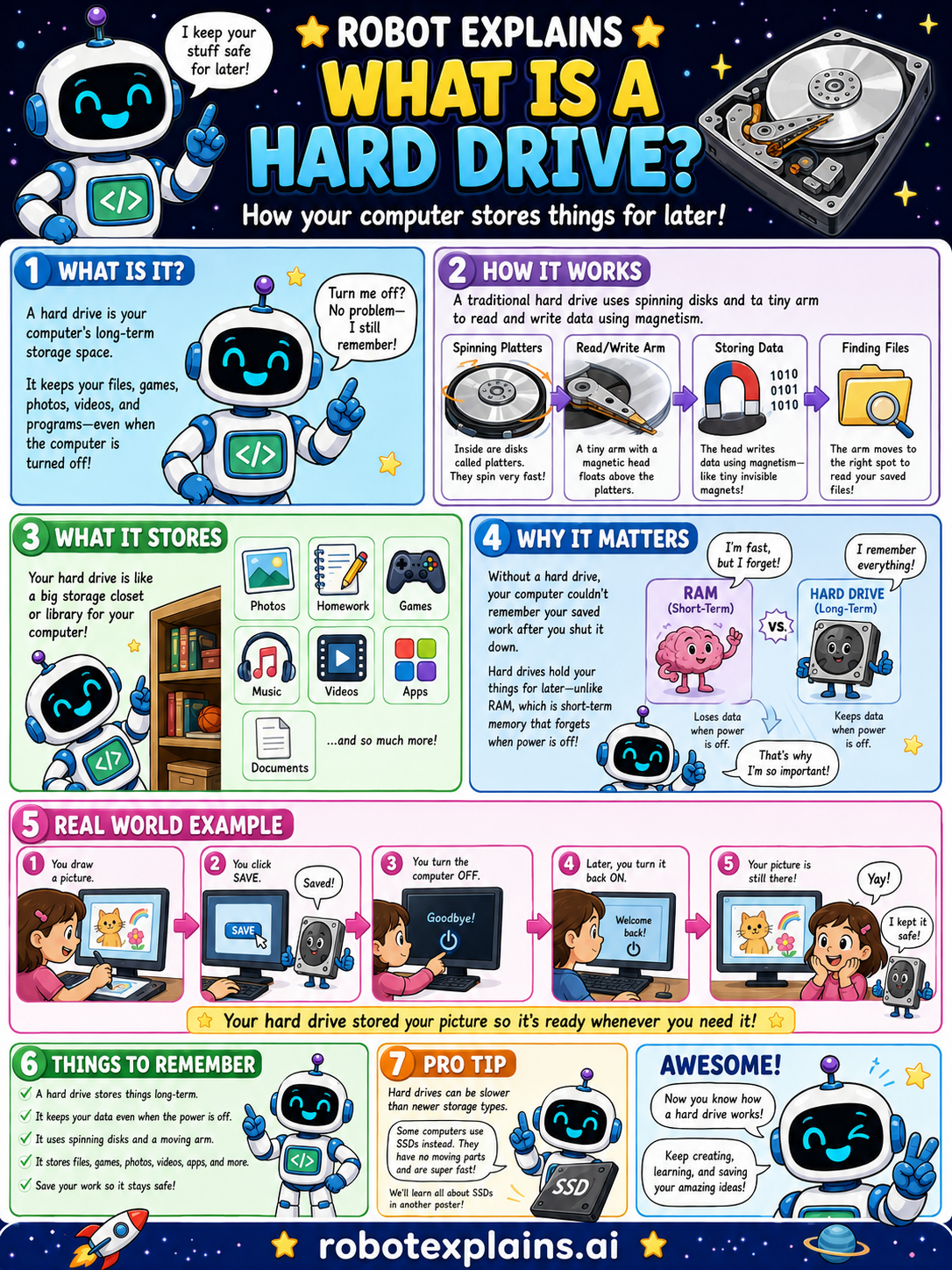
A hard drive is your computer's long-term storage space. It keeps your files, games, photos, videos, and programs, even when the computer is turned off. Turn it off? No problem, it still remembers!
How does it work? A traditional hard drive uses spinning disks (platters) to read and write data with magnetism. Inside are disks called platters that spin very fast. A tiny arm with a magnetic head floats above them, writing data using magnetism, and moving to the right spot to read your saved files.
What does it store? Your hard drive is like a big storage closet or library for your computer, photos, homework, games, music, videos, apps, documents, and so much more.
Why does it matter? Without a hard drive, your computer couldn't remember your saved work after you shut it down. Hard drives hold your things for later, unlike RAM, which is short-term memory that forgets when the power is off.
Here is a real example. You draw a picture, click Save, and turn the computer off. Later, you turn it back on, and your picture is still there. The hard drive stored it so it's ready whenever you need it.
Remember: a hard drive stores things long-term, keeps your data even when the power is off, uses spinning disks and magnetism, and holds files, games, photos, and more. (Many newer computers use SSDs, which are faster, more on that in another lesson!)
What to remember
- A hard drive stores your files for the long term.
- It keeps your data even when the power is off.
- It uses spinning disks and magnetism to store data.
- It holds files, games, photos, videos, apps, and more.
Words to know
- Hard drive
- Long-term storage that keeps files for later.
- Storage
- Where data is kept, even with the power off.
- Platter
- A spinning disk inside a hard drive.
- Magnetism
- How a hard drive writes and reads data.
For grown-ups
A hard disk drive (HDD) stores data persistently on spinning magnetic platters read by a moving head. It's non-volatile (keeps data without power), high-capacity, and cheap per gigabyte, but slower and more fragile than a solid-state drive (SSD) because of its moving parts.
Want the full story? These go deeper: