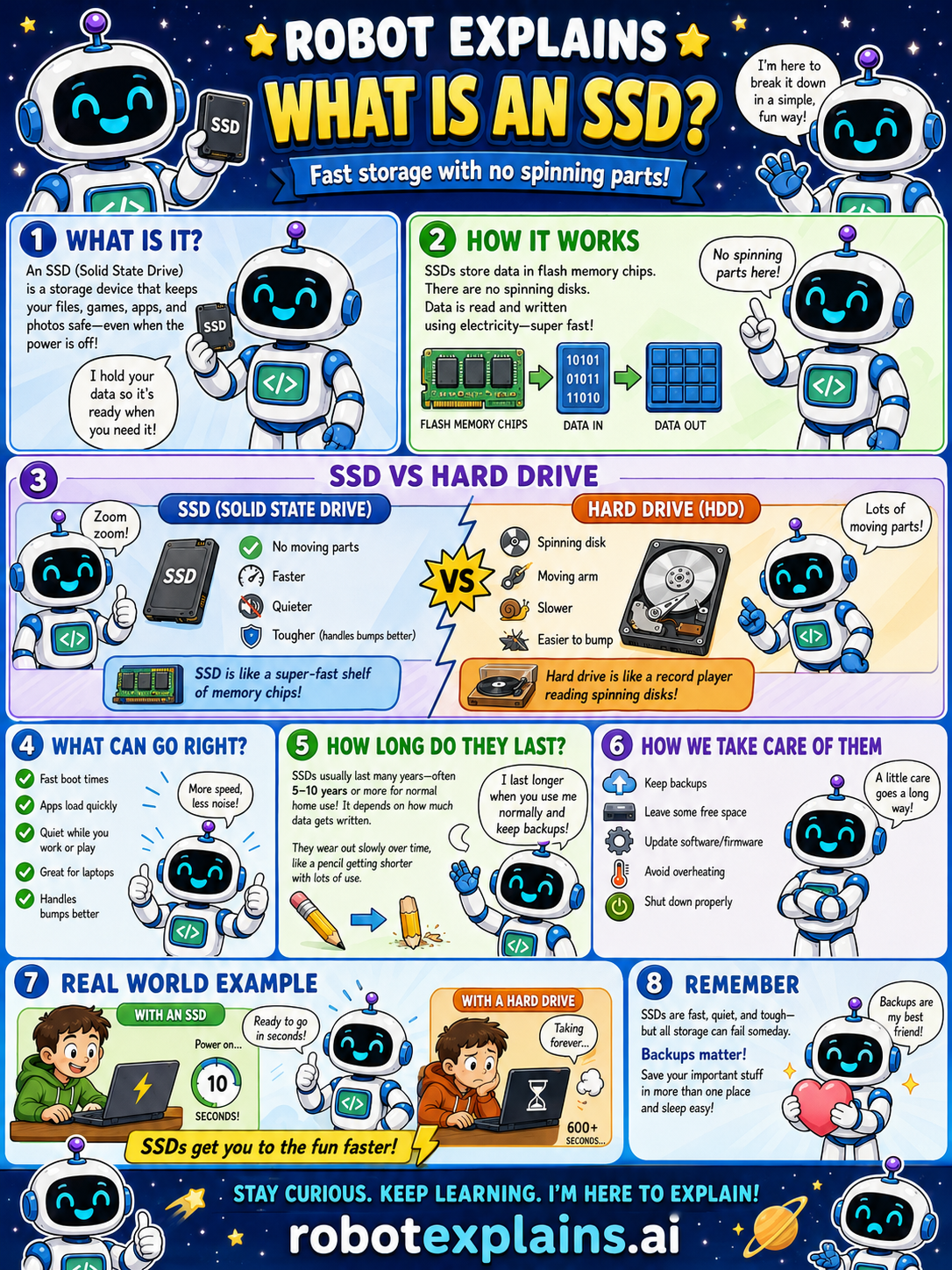
An SSD (Solid State Drive) is a storage device that keeps your files, games, apps, and photos safe, even when the power is off.
How does it work? SSDs store data in flash memory chips. There are no spinning disks. Data is read and written using electricity, which makes it super fast. No spinning parts here!
SSD vs Hard Drive: an SSD has no moving parts, and is faster, quieter, and tougher (it handles bumps better), like a super-fast shelf of memory chips. A hard drive uses spinning disks and a moving arm, is slower, and is easier to damage with a bump, like a record player reading spinning disks.
What's good about SSDs? Fast boot times, apps that load quickly, quiet operation, great for laptops, and they handle bumps better.
How long do they last? SSDs usually last many years, often 5 to 10 years or more for normal use. It depends on how much data gets written, they wear slowly over time, like a pencil getting shorter with lots of use.
How do we take care of them? Keep backups, leave some free space, update software and firmware, avoid overheating, and shut down properly.
Remember: SSDs are fast, quiet, and tough, but all storage can fail someday. Backups matter, save your important stuff in more than one place and sleep easy.
What to remember
- An SSD stores data in flash chips, no spinning parts.
- It's faster, quieter, and tougher than a hard drive.
- It keeps your data even when the power is off.
- All storage can fail someday, so keep backups.
Words to know
- SSD
- Solid State Drive: fast storage with no moving parts.
- Flash memory
- Chips that store data using electricity.
- Storage
- Where files are kept for later.
- Boot time
- How long a computer takes to start up.
For grown-ups
A solid-state drive (SSD) stores data in non-volatile flash memory with no moving parts, so it's far faster, quieter, and more shock-resistant than a hard disk drive. Flash cells wear with writes but last years in normal use. Like all storage, it can fail, so keep backups.
Want the full story? These go deeper: