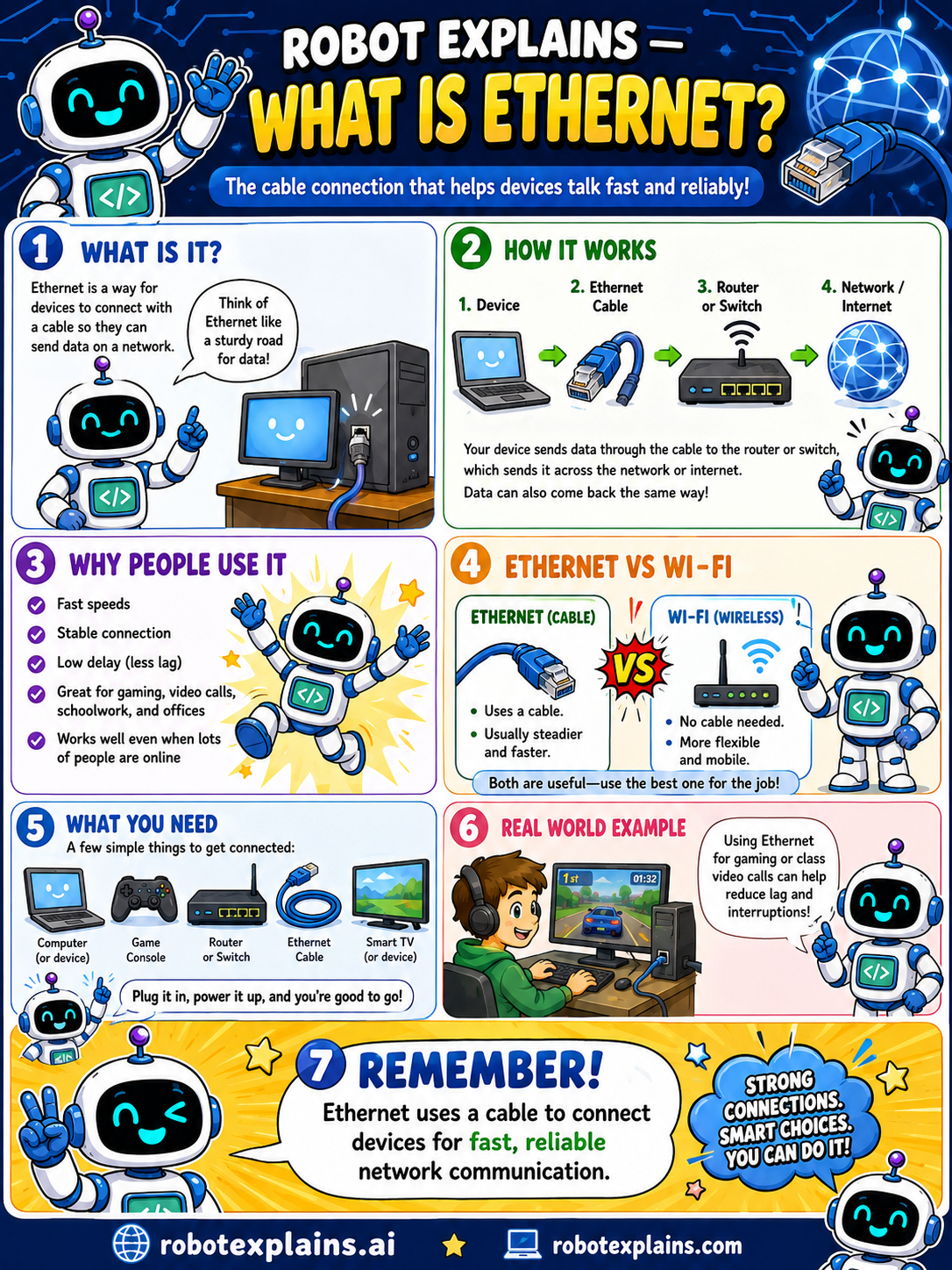
Ethernet is a way for devices to connect with a cable so they can send data on a network. Think of Ethernet like a sturdy road for data!
How does it work? Your device connects with an Ethernet cable to a router or switch, which sends the data across the network or the internet. Data can come back the same way too. The path is simply: device, then Ethernet cable, then router or switch, then the network or internet.
Why do people use it? Fast speeds, a stable connection, low delay (less lag), and it's great for gaming, video calls, schoolwork, and times when lots of people are online.
Ethernet vs Wi-Fi: Ethernet uses a cable and is usually steadier and faster. Wi-Fi has no cable and is more flexible and mobile. Both are useful, you just pick the best one for the job.
What do you need? A few simple things: a computer or device, a router or switch, an Ethernet cable, and a device with an Ethernet port (like many computers, game consoles, and smart TVs). Plug it in, power it up, and you're good to go.
Here's a real example. Using Ethernet for gaming or class video calls can help reduce lag and interruptions, so things stay smooth.
Remember: Ethernet uses a cable to connect devices for fast, reliable network communication. Strong connections, smart choices, you can do it!
What to remember
- Ethernet connects devices with a cable to send data.
- It's fast, steady, and has low delay (less lag).
- Great for gaming, video calls, and busy networks.
- Ethernet is wired; Wi-Fi is wireless, both are useful.
Words to know
- Ethernet
- A wired way to connect devices on a network.
- Ethernet cable
- The cable that carries the data.
- Wired
- Connected by a cable, not wireless.
- Lag
- Delay; Ethernet usually has less of it.
For grown-ups
Ethernet is the dominant wired LAN technology: devices connect via cabling to a switch or router, providing high, stable throughput and low latency with less interference than Wi-Fi. It's preferred for fixed devices, gaming, and high-bandwidth or latency-sensitive uses; Wi-Fi trades some speed/stability for mobility.
Want the full story? These go deeper: